






Learn Professional Video Editing & Motion Graphics That Brands Love

Master Adobe Premiere Pro, After Effects, DaVinci Resolve, Audition, Photoshop and CapCut through real editing projects. Create YouTube videos, Instagram Reels, advertisements, music videos, podcasts, corporate films and cinematic content with industry-standard workflows.

4.9 ⭐

Google Rating​

100%

Placement Assistance

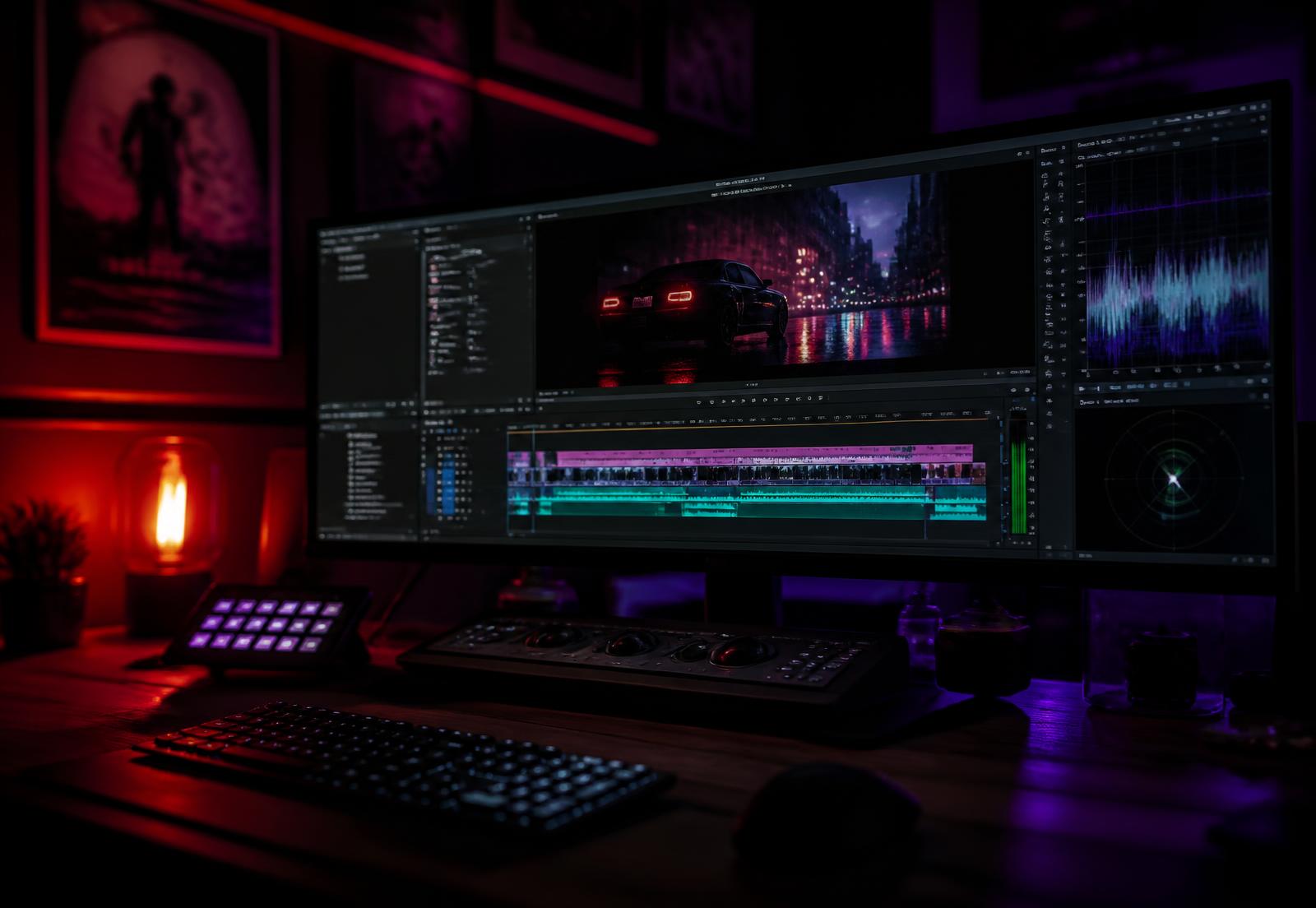
Night-mode video editing desk: a large monitor shows a multi-track timeline of a neon-lit car scene, with a control surface and purple-red ambient lighting.

Book your free demo

⭐⭐⭐⭐⭐4.9 Google Rating · 1000+ Students 

Become the Editor Behind Every Great Story

Film Editing

Create cinematic stories.

OTT Content

Edit web series and documentaries.

Social Media

Social Media, Instagram ,YouTube, Shorts, Reels

Music Videos

Professional edits.

OTT Advertising

Commercial editing.

Podcast Editing

Audio + video production.

Choose Your Learning Program

Based on the programs currently offered by Raster FX Studios.

Diploma

3 Months

Perfect for beginners

Learn

Premiere Pro, After Effects ,Audition

Projects

YouTube, Reels, Corporate Videos

5 Months

Popular Course For Every one

Learn

Premiere Pro, After Effects, DaVinci Resolve, Audition, Photoshop, CapCut

Includes

Portfolio Development, Placement Assistance

Software You'll Master

Adobe After Effects logo: blue square with 'Ae' next to the text 'ADOBE AFTER EFFECTS'
Adobe Premiere Pro logo: purple Pr icon and 'ADOBE PREMIERE' text.
Adobe Audition logo: blue rounded square with 'Au' beside the text 'Adobe Audition'
DaVinci Resolve logo featuring a colorful circular icon to the left of bold 'DAVINCI RESOLVE' text.
CapCut brand logo with wordmark
Canva AI Tools logo: teal circle with 'Canva' in script and 'CANVA AI TOOLS' text to the right.

Video Editing Course Curriculum

Introduction to Video Editing
  • Overview of video editing industry and career opportunities
  • Understanding video formats, resolutions, and frame rates
  • Basics of video storytelling and narrative techniques
  • Interface walkthrough and workspace customization
  • Importing and organizing media files
  • Basic editing tools: cutting, trimming, and splitting clips
  • Timeline management and sequence settings
  • Working with audio: syncing, editing, and mixing sound
  • Multi-camera editing and nested sequences
  • Applying transitions and effects
  • Color correction and color grading basics
  • Working with keyframes and motion graphics
  • Understanding motion graphics and visual effects
  • Creating and animating text layers
  • Basic compositing techniques and masking
  • Using effects and presets for creative enhancements
  • Noise reduction and audio enhancement tools
  • Adding sound effects and background music
  • Voiceover editing and synchronization
  • Export settings for different platforms (YouTube, TV, social media)
  • Understanding codecs and compression
  • Creating final output and backups
  • Hands-on editing projects to apply learned skills
  • Creating showreels and professional portfolios
  • Feedback sessions and revisions for improvement

Our Hiring Partners

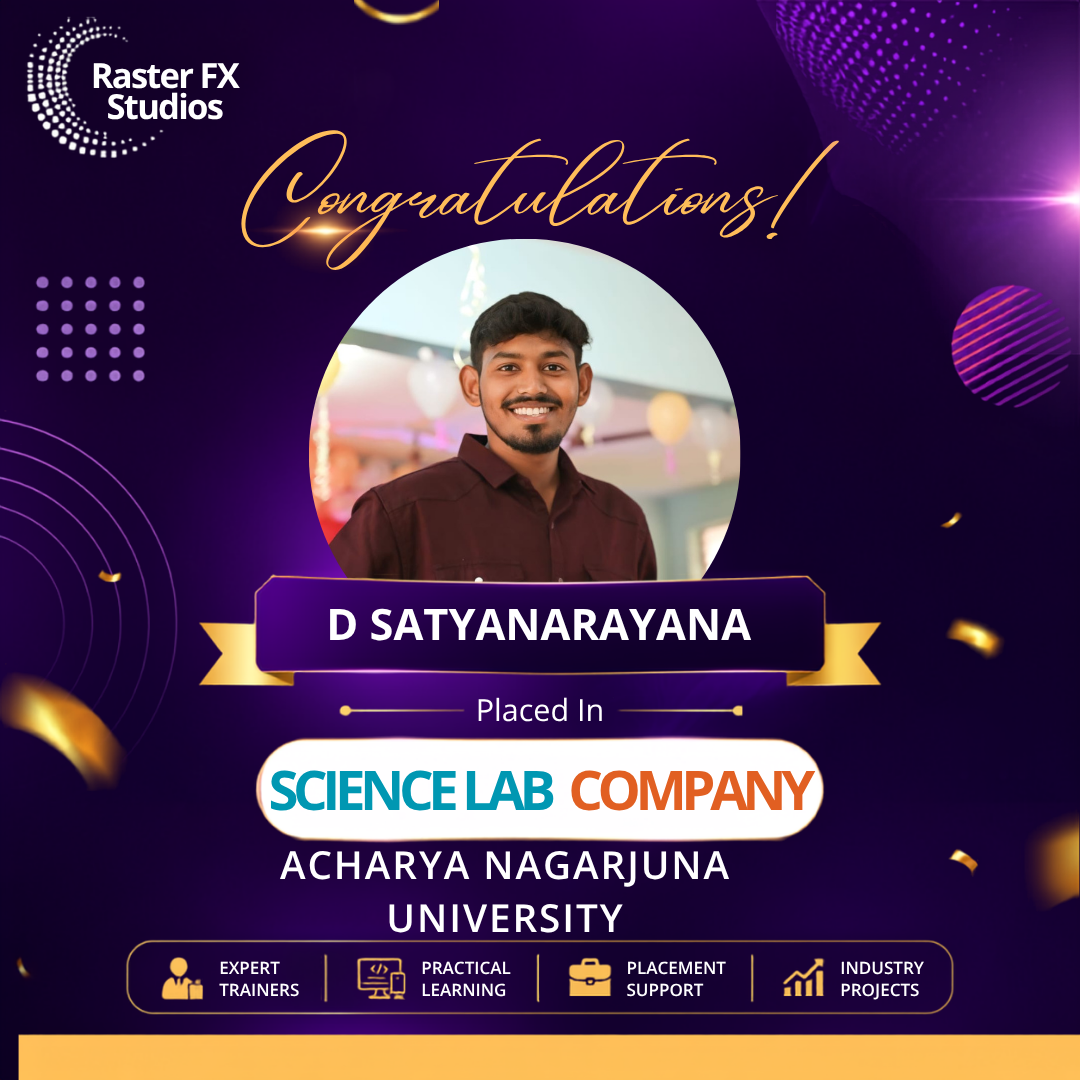
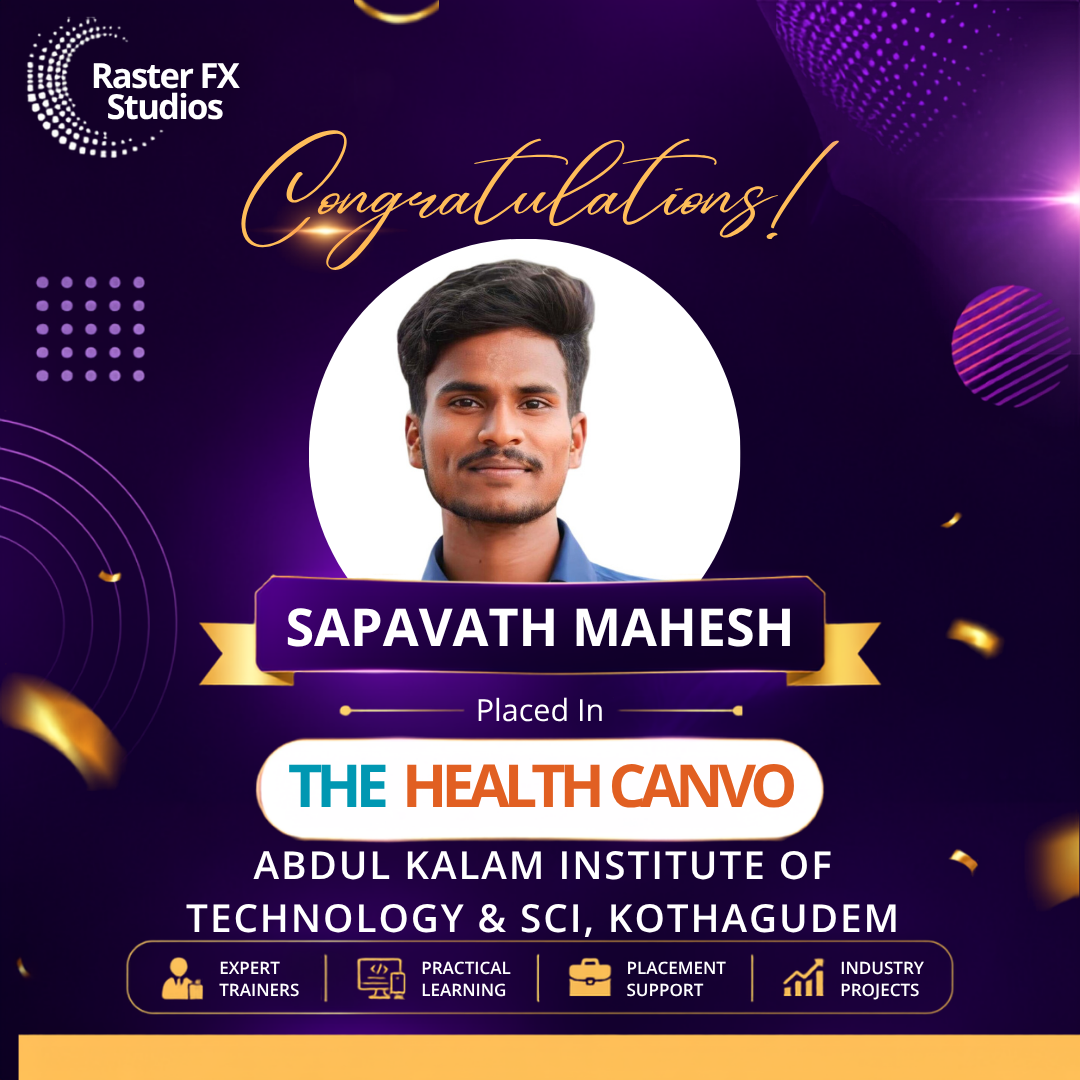
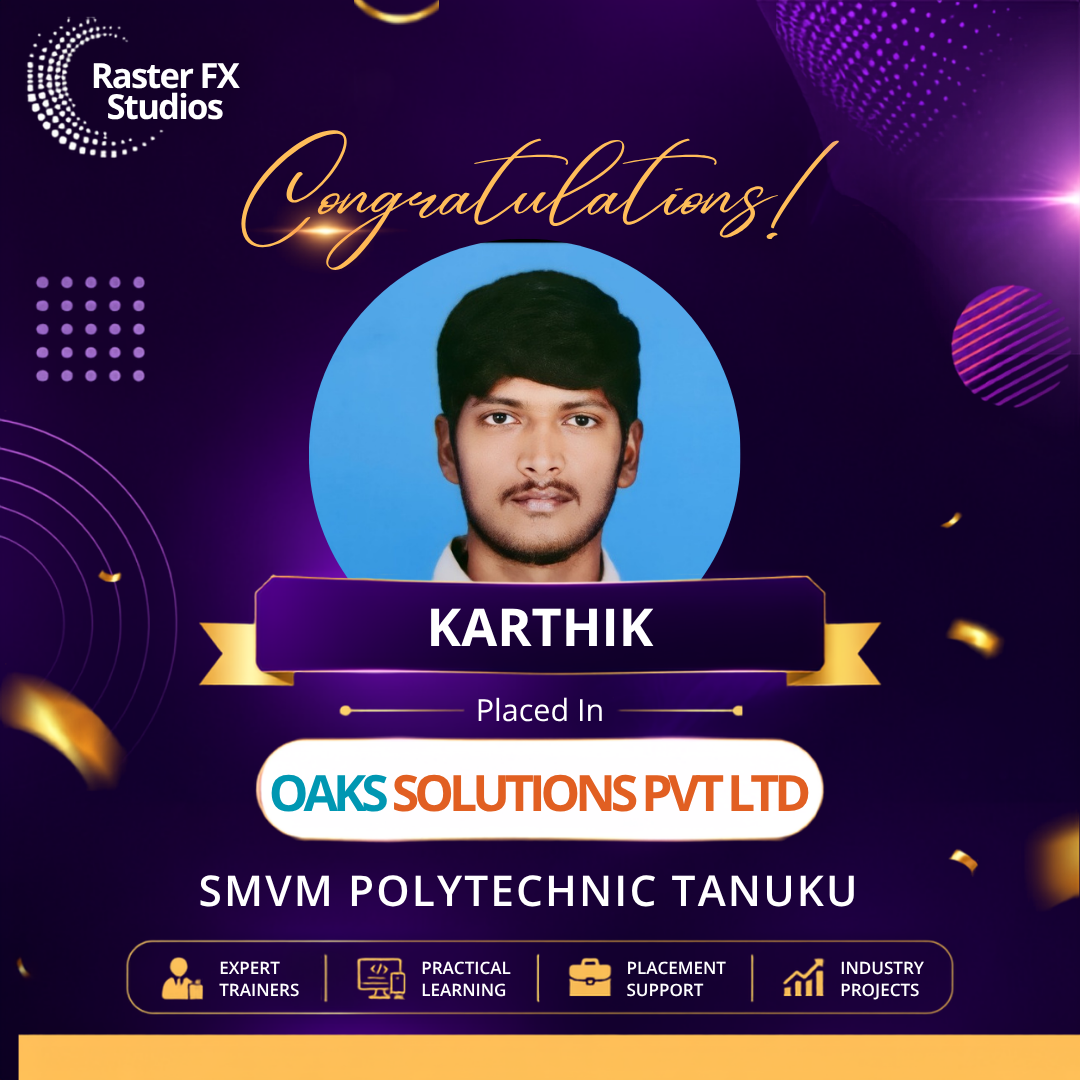
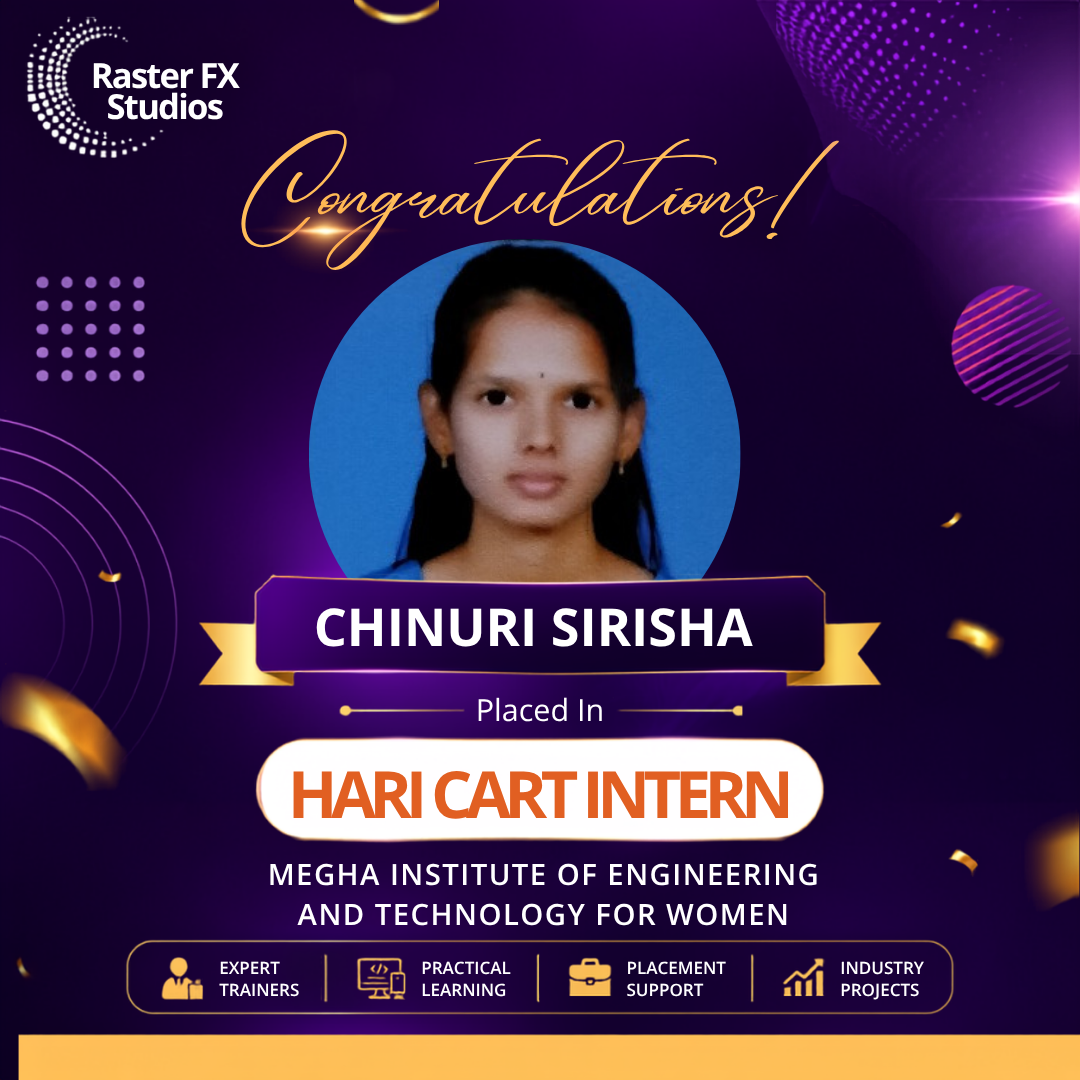
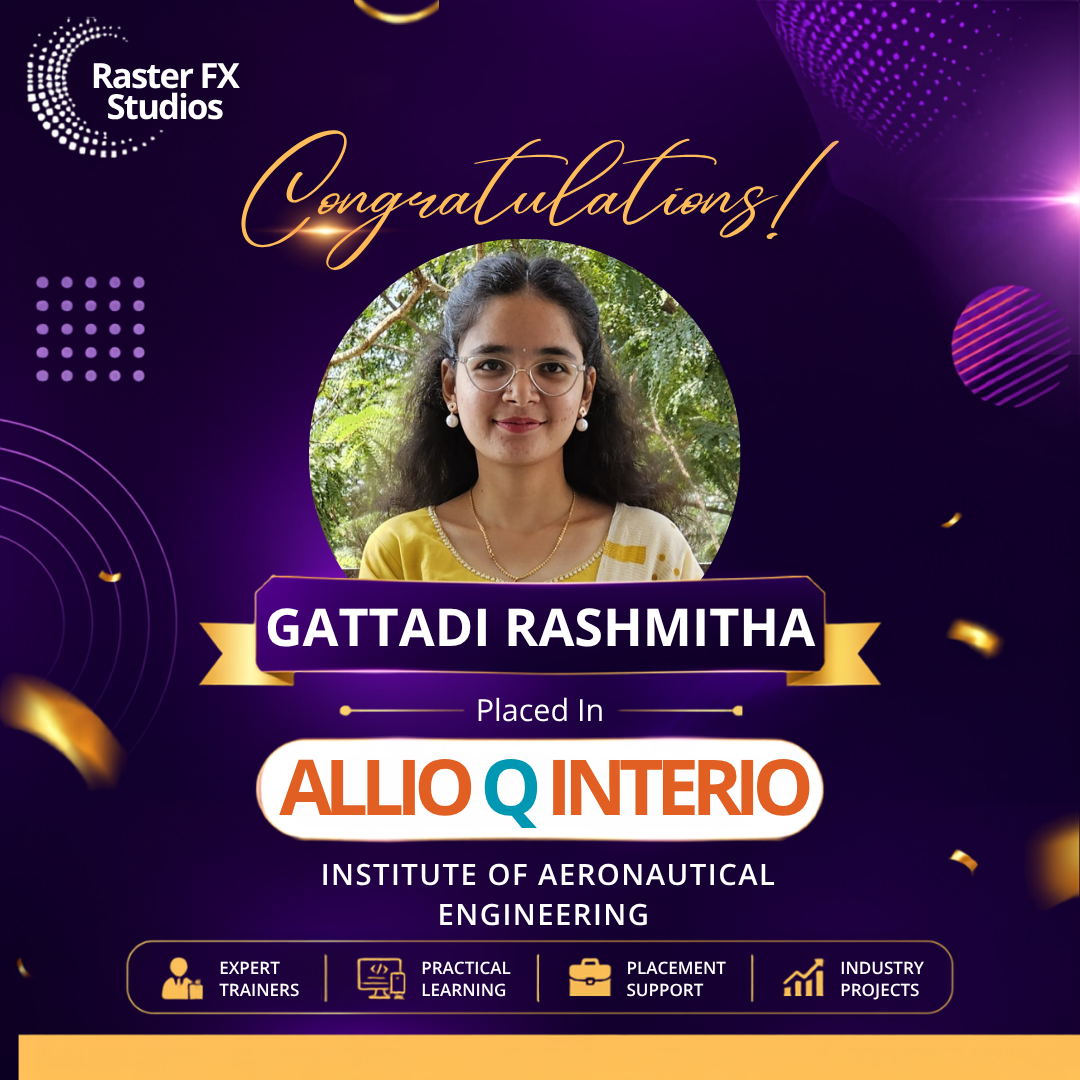
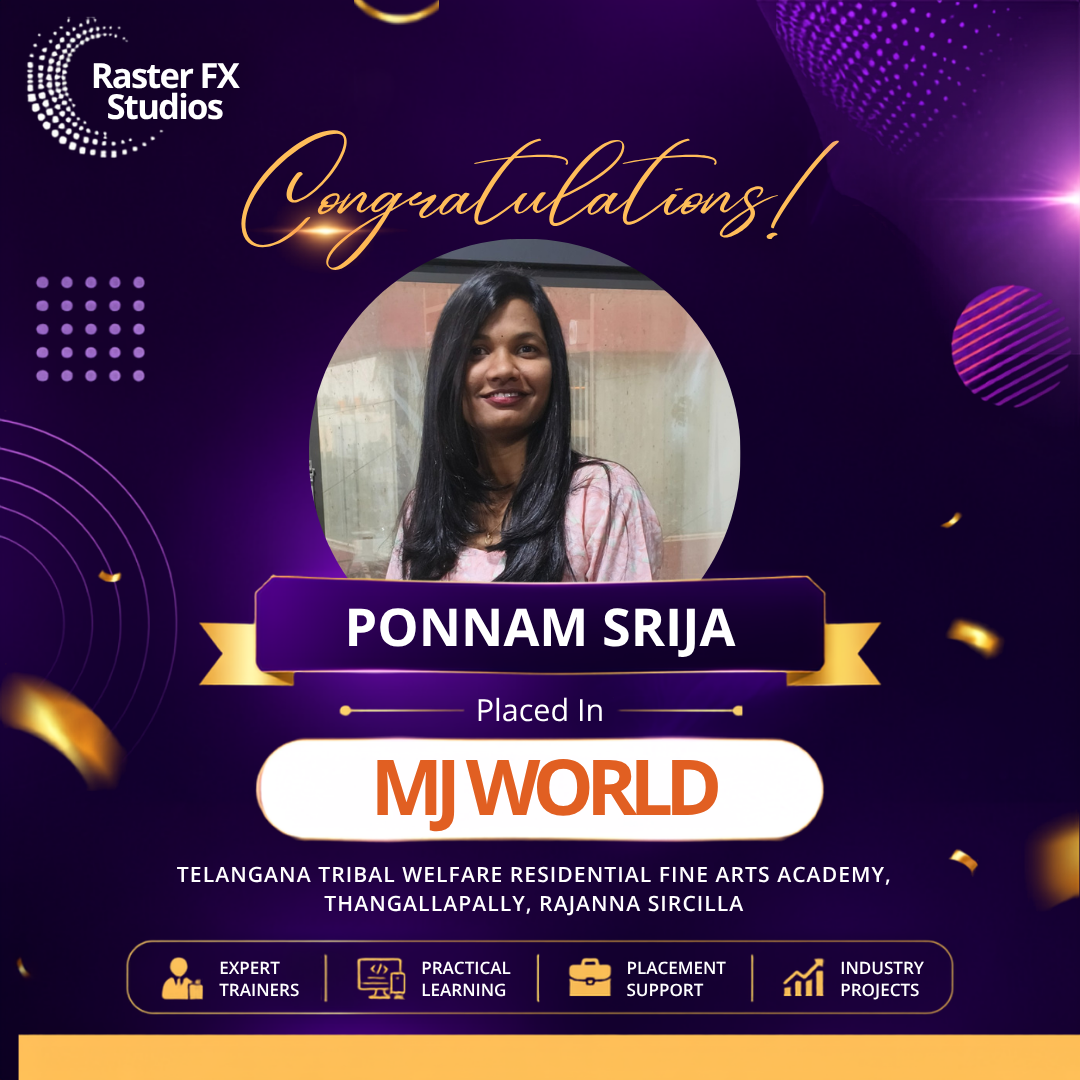
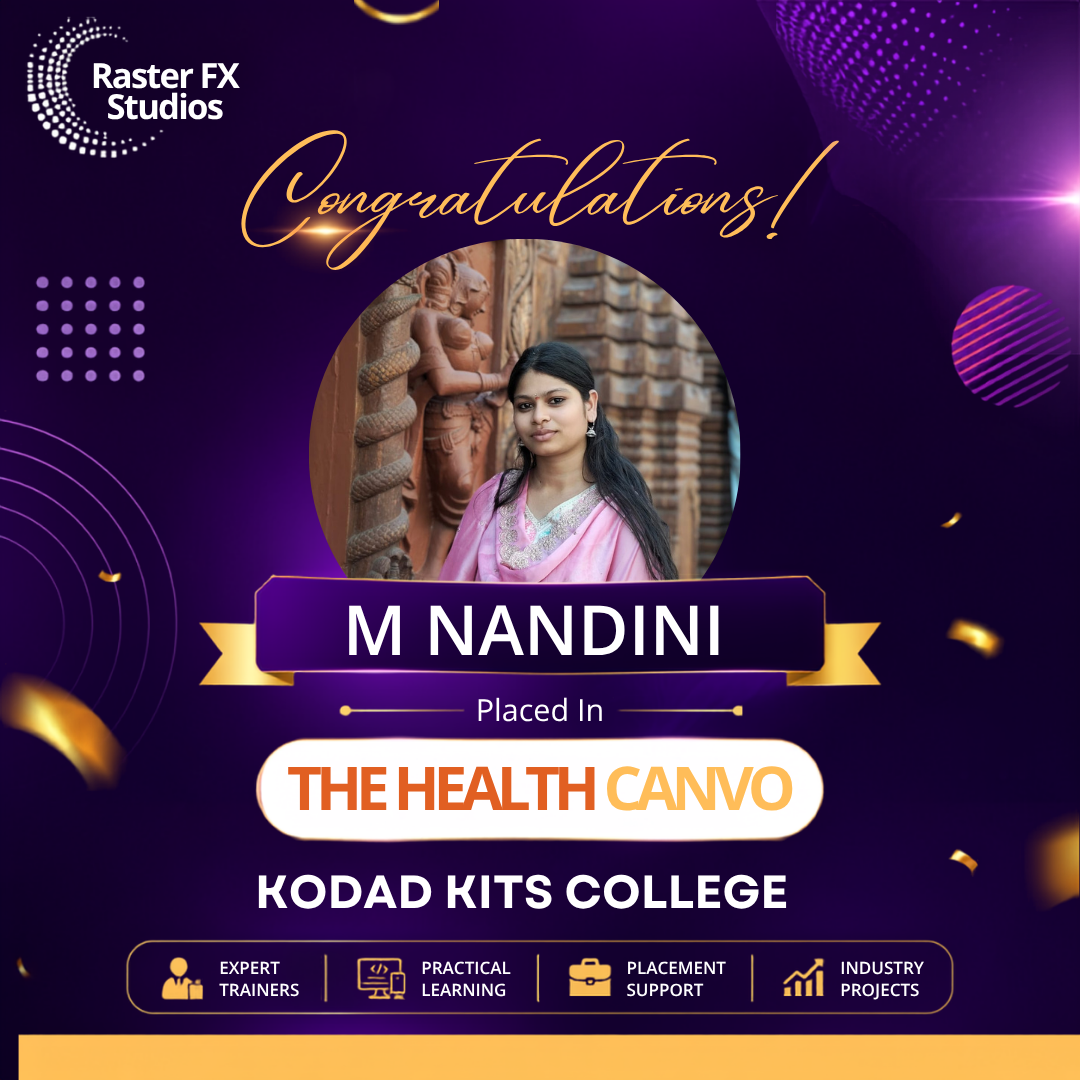
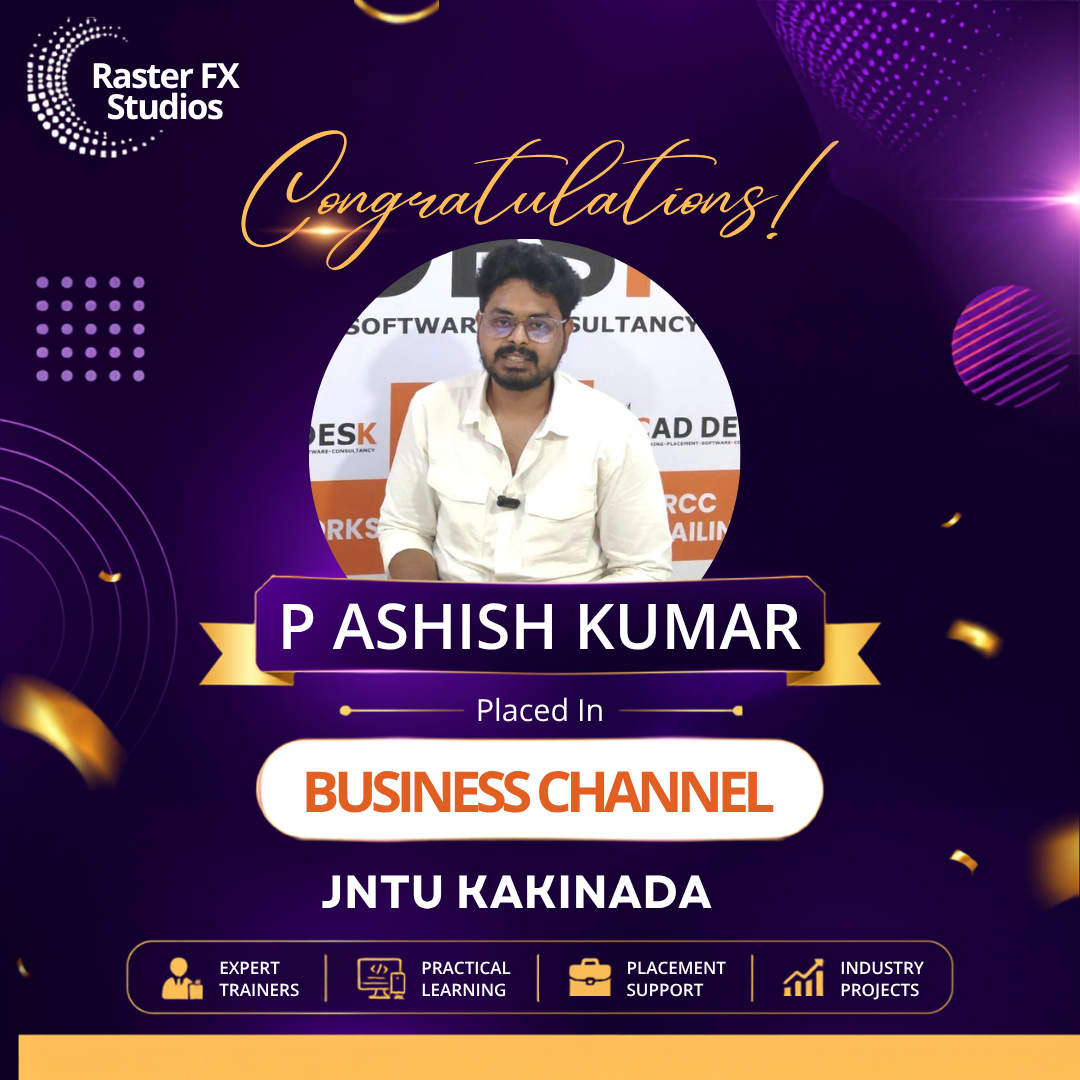
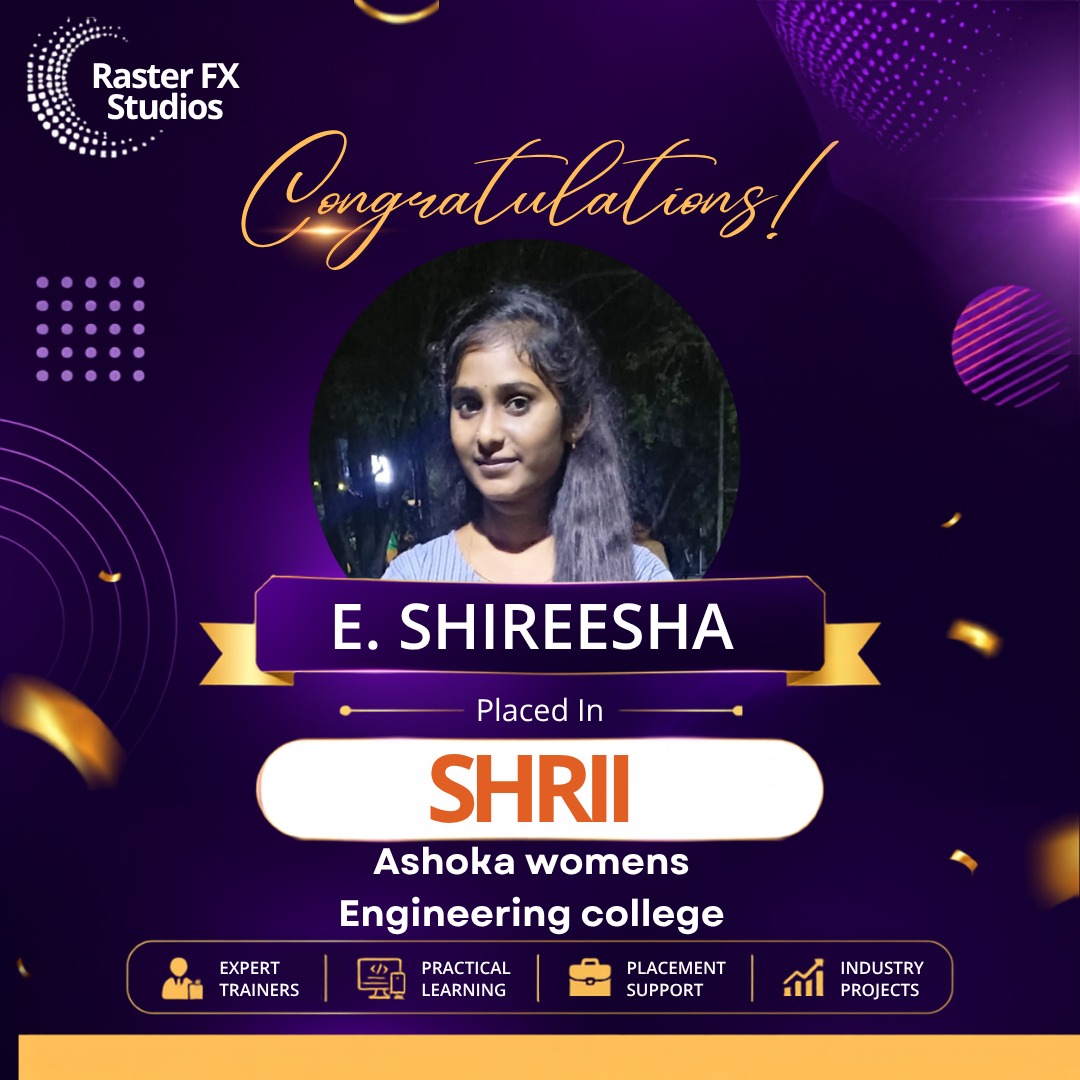
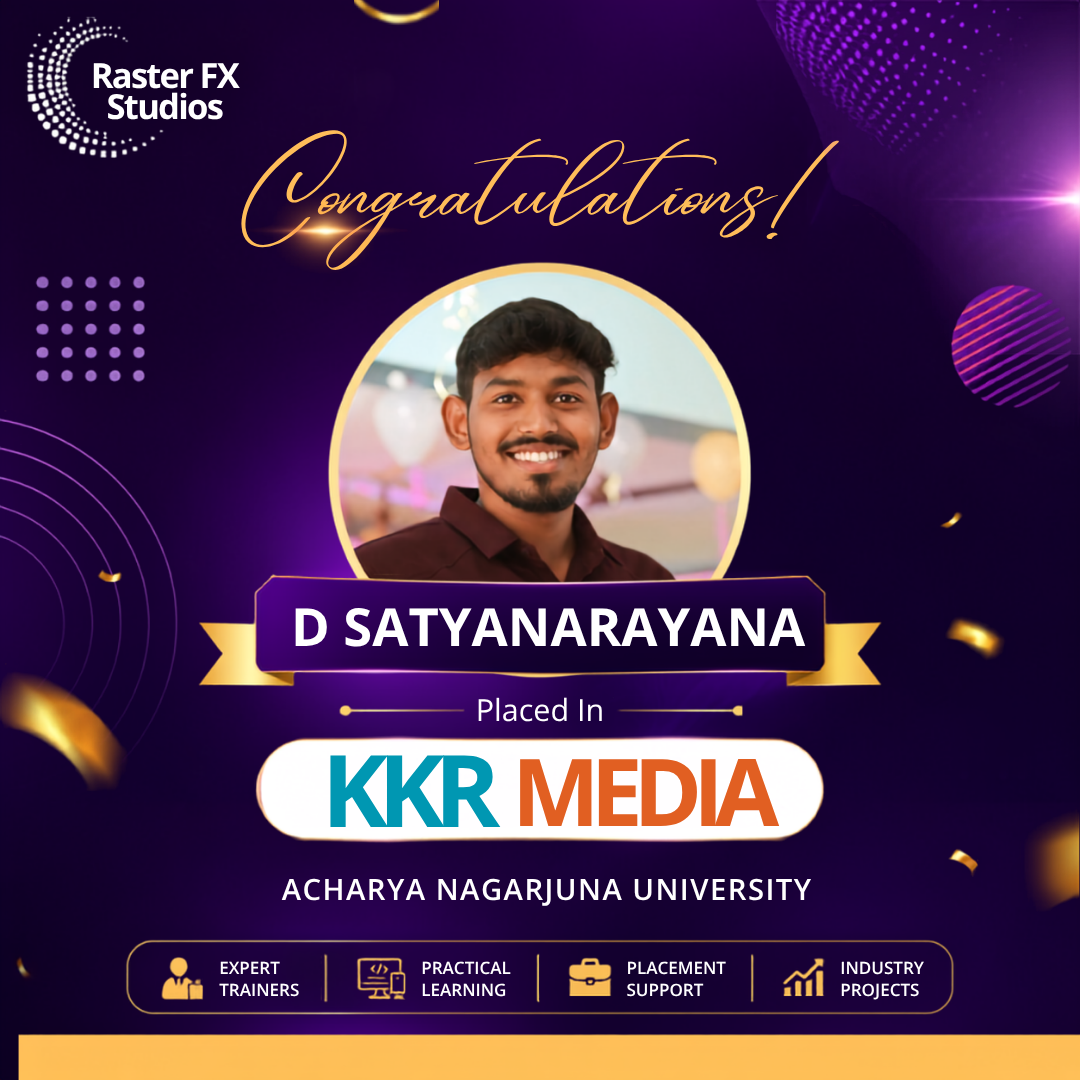
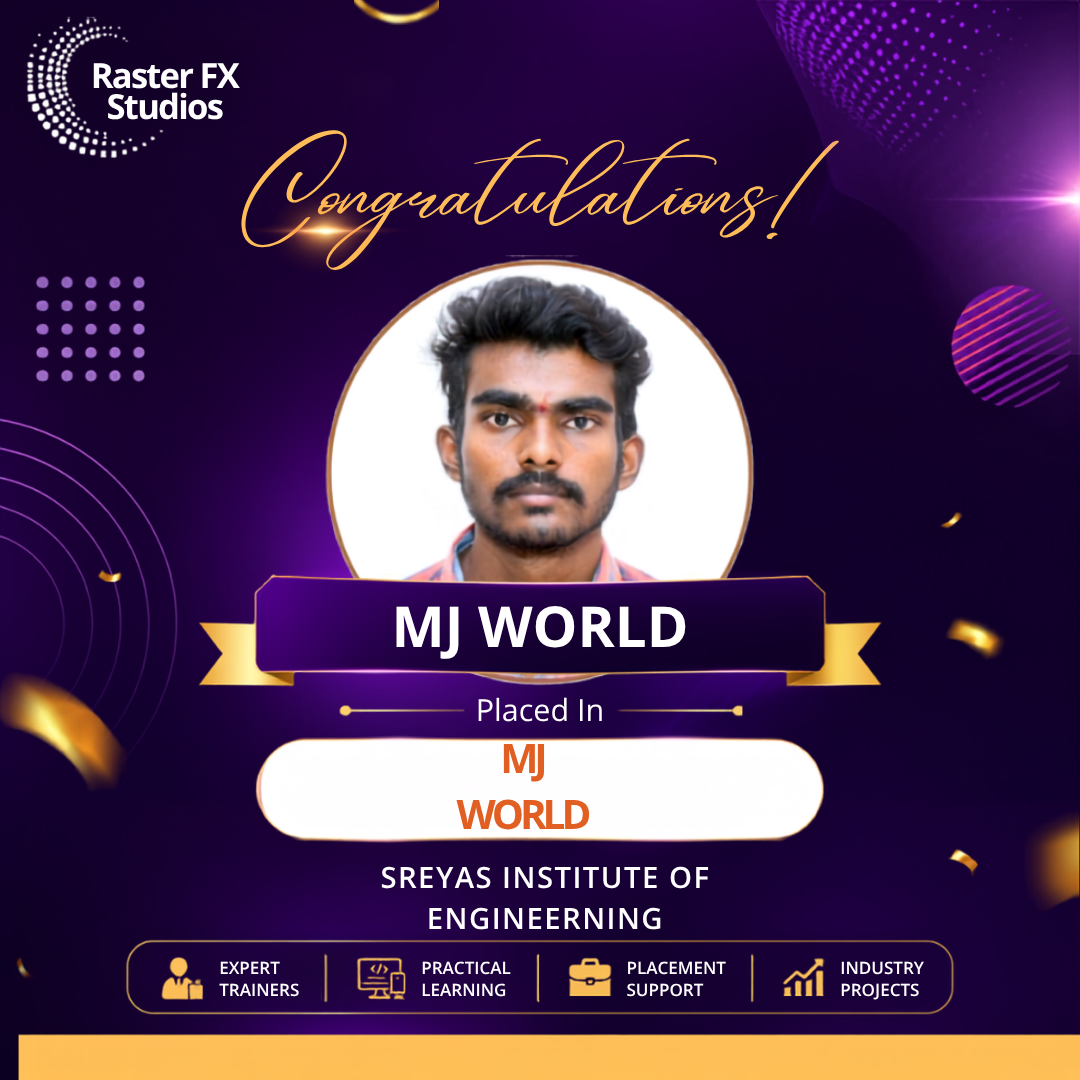
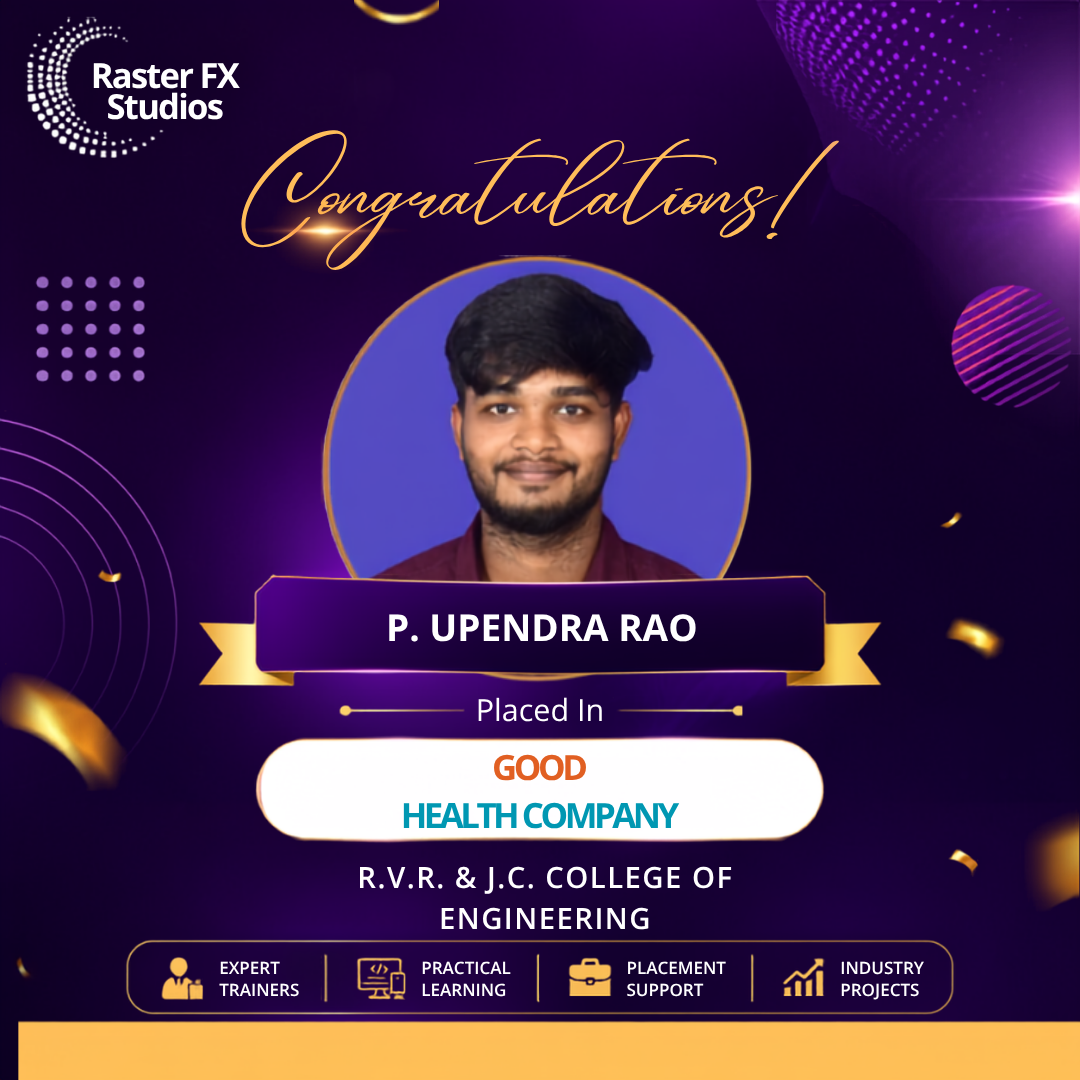
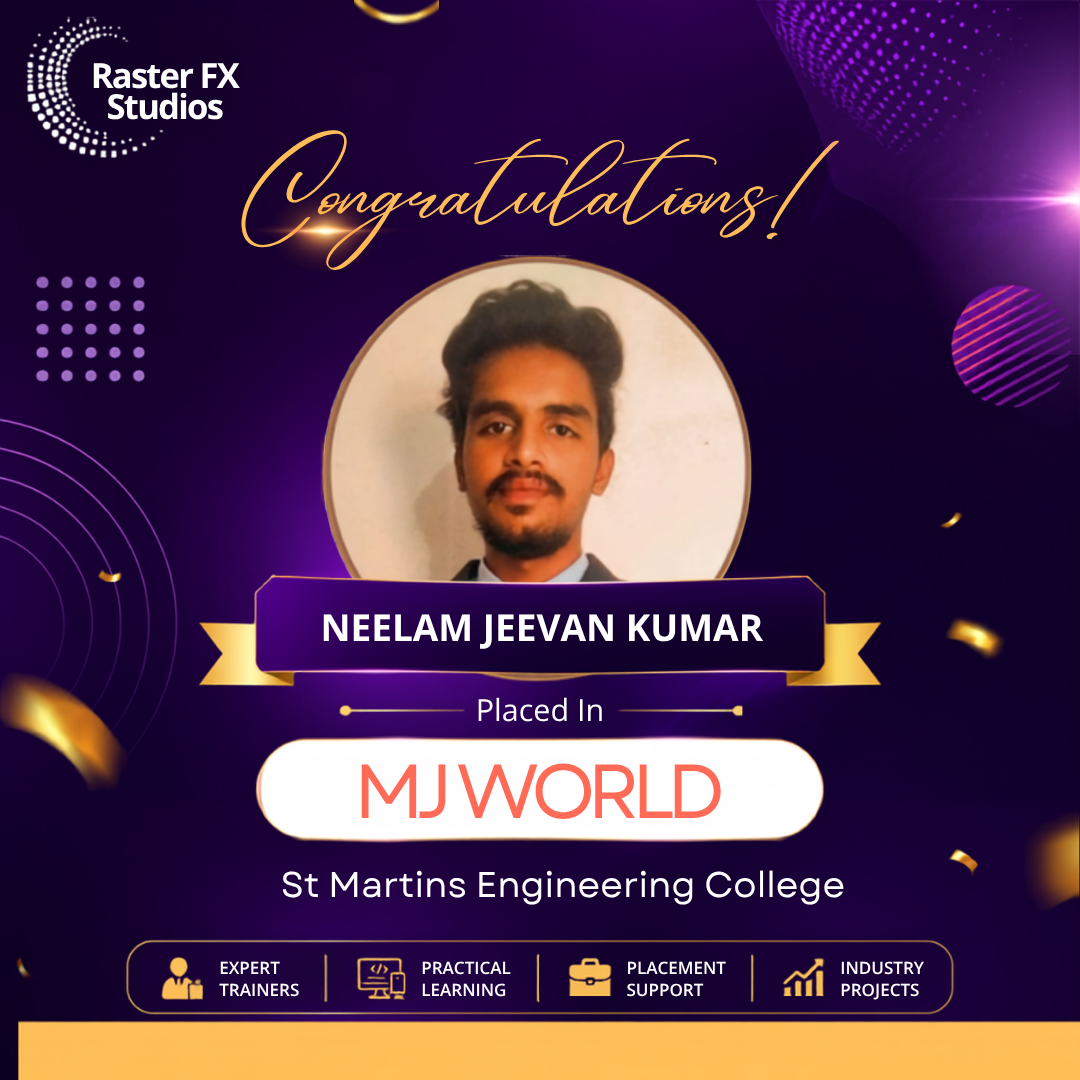
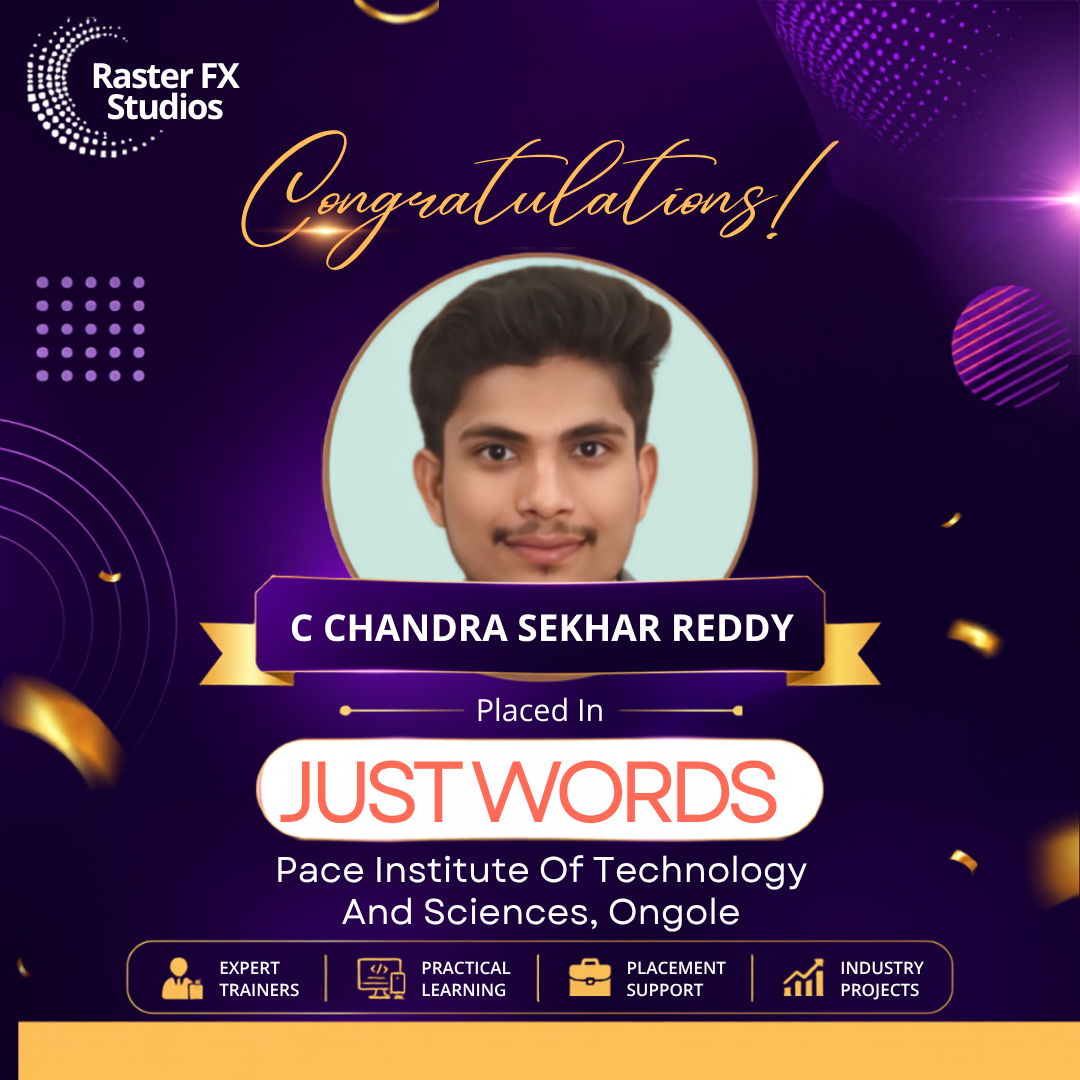
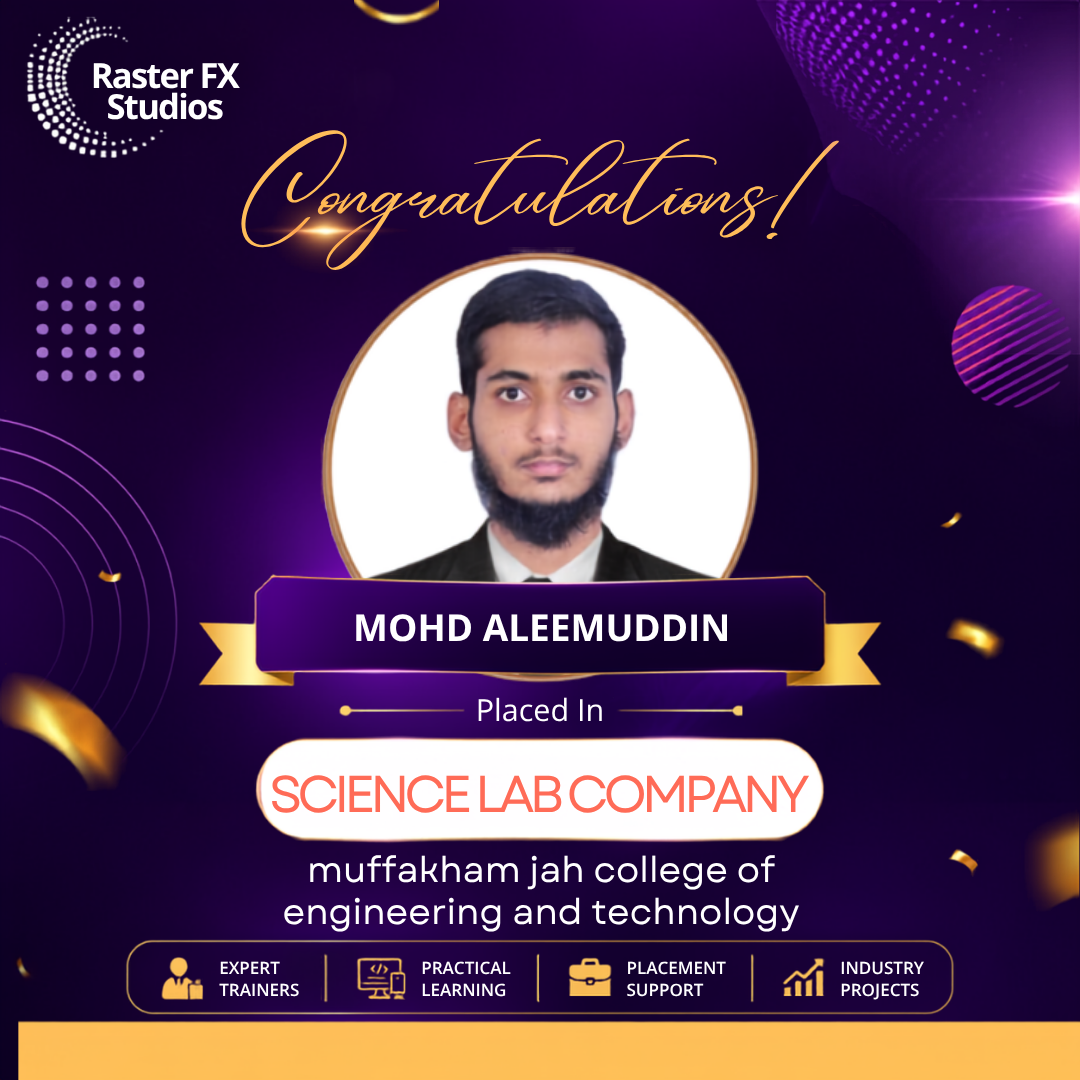
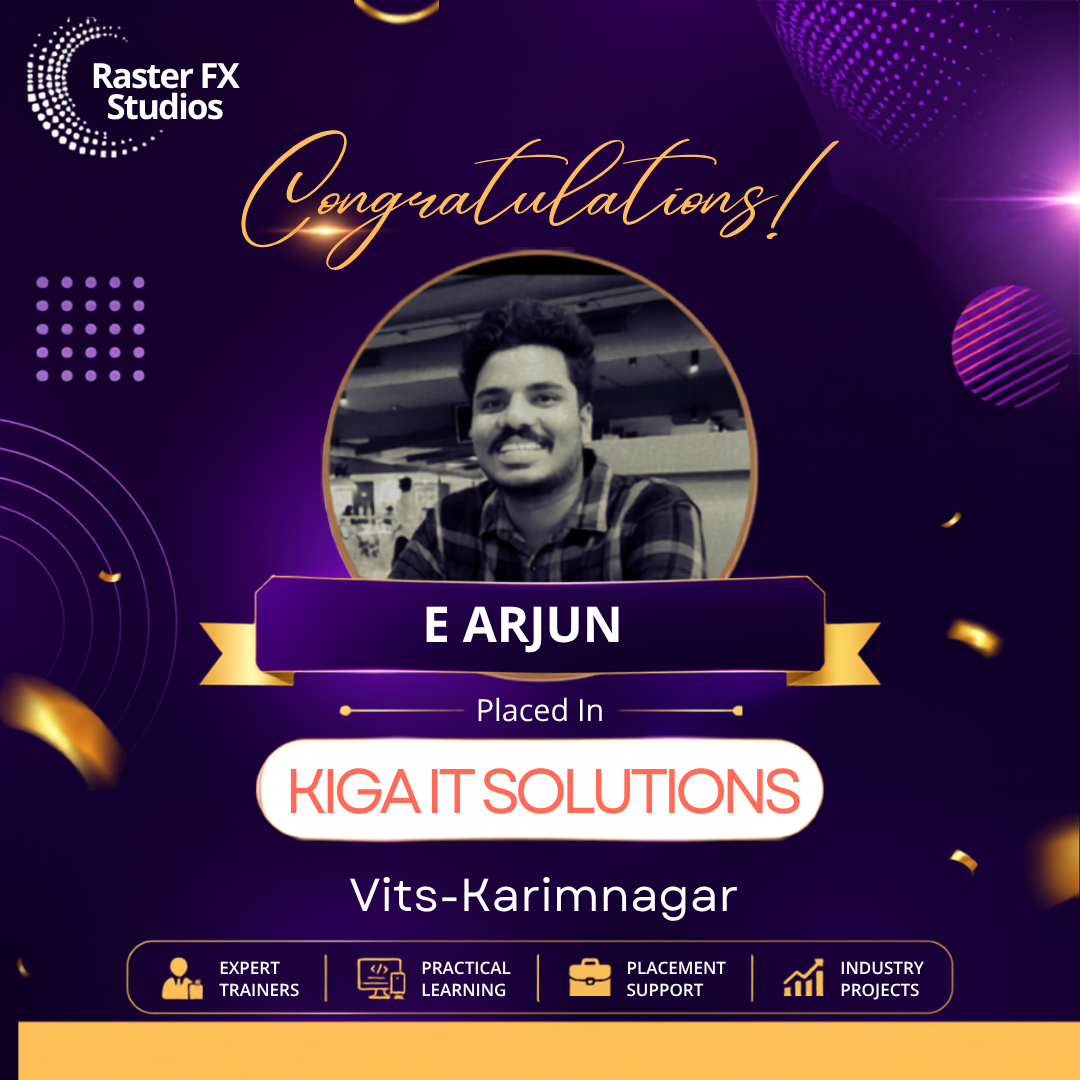
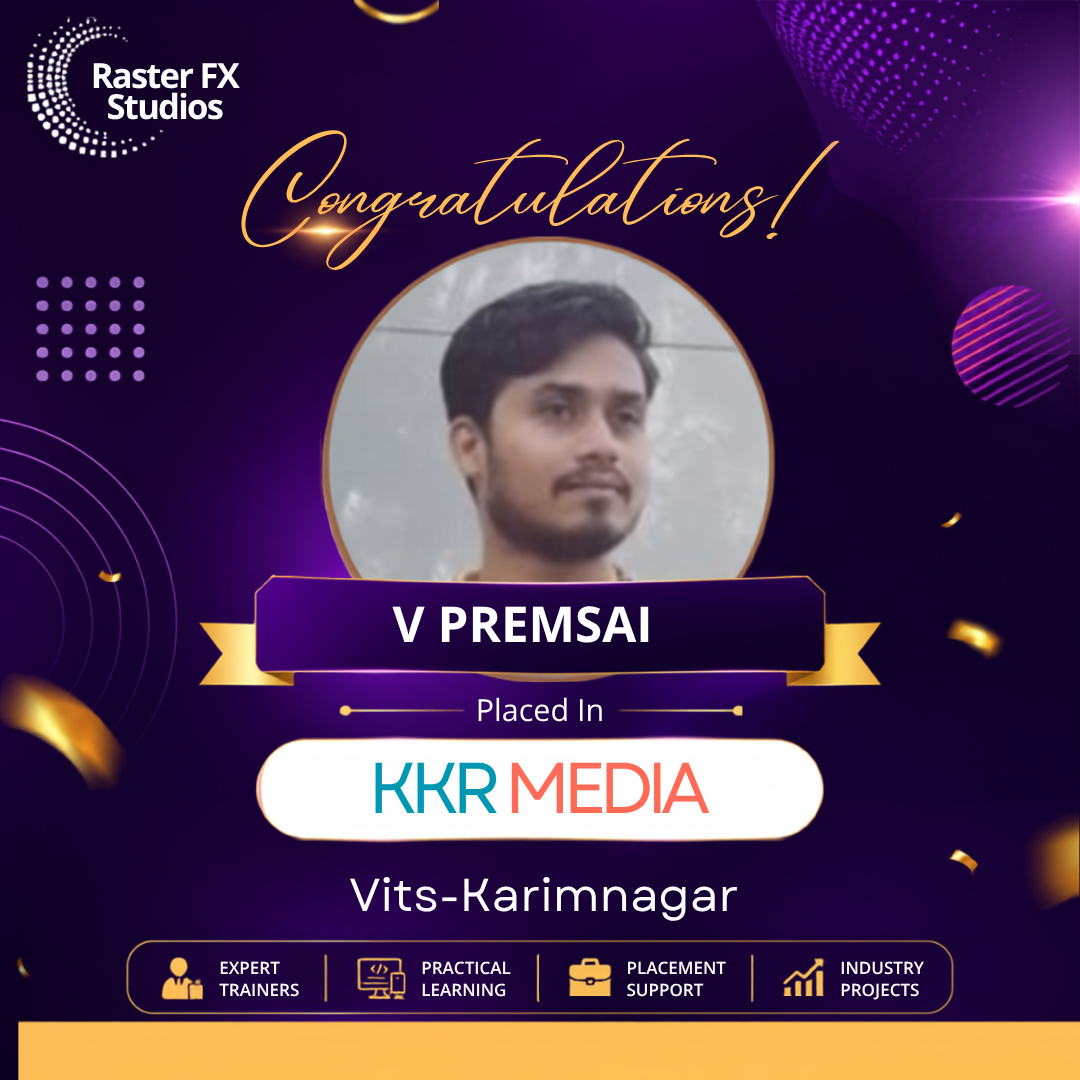
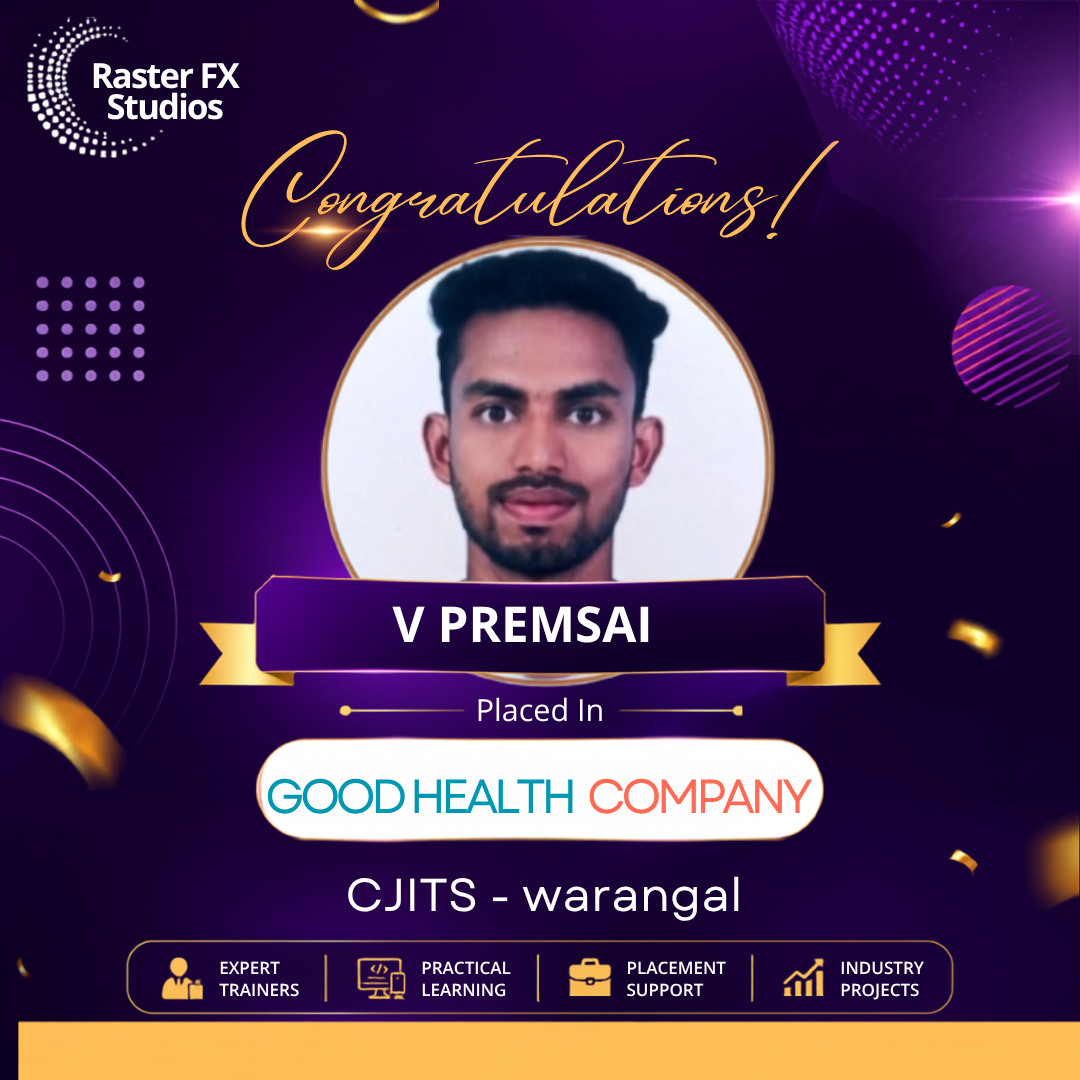
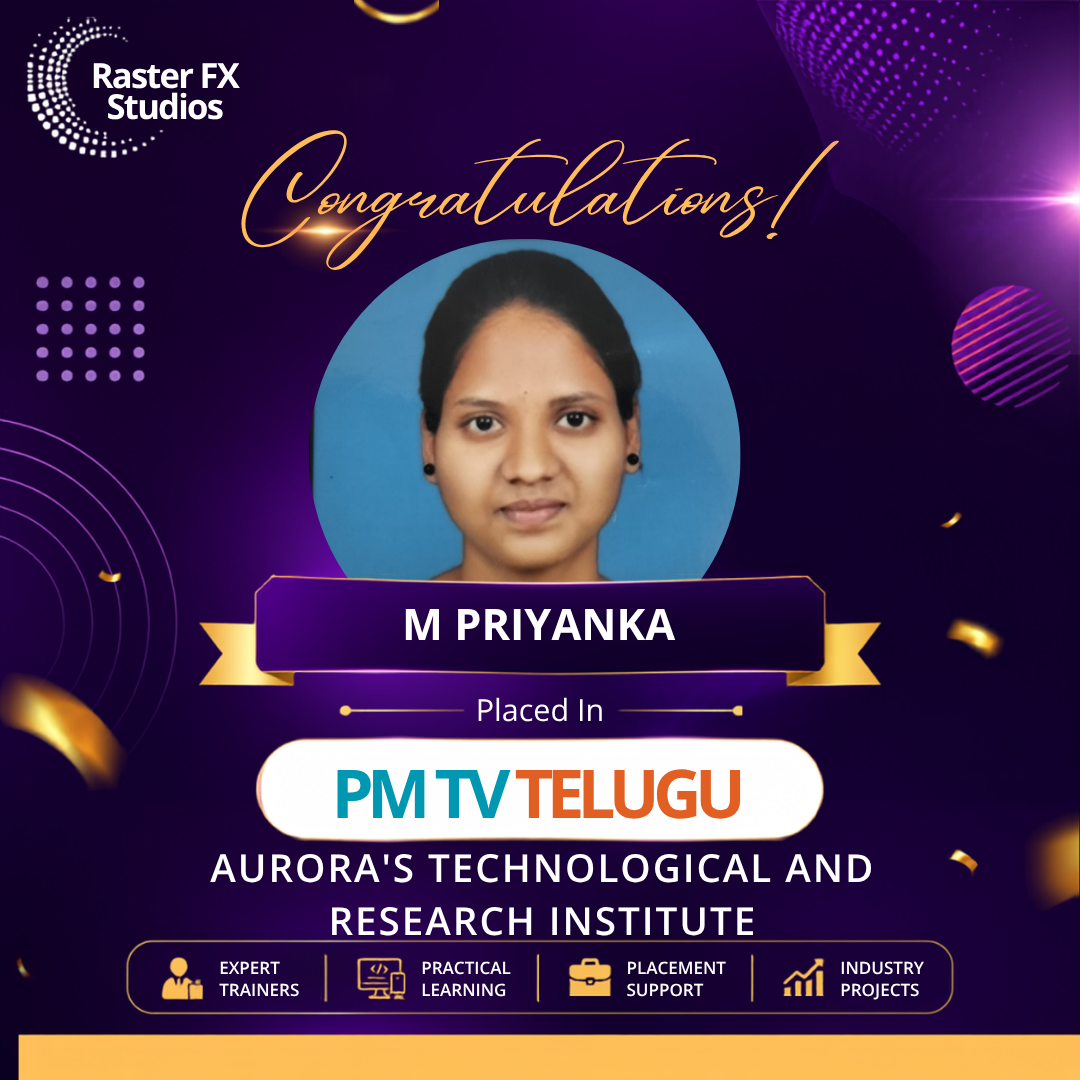
Placed Students from Raster Fx Studios

One Studio, Every Format You'll Be Hired For

Students leave with a body of work across the exact formats brands, creators and studios pay for.

Dark recording studio lit by pink and purple neon panels; a microphone on a stand is visible on the left and a clapperboard sits on the right.

Our Students Success Stories

Your Next Edit Could Be the Beginning of Your Career

Join Raster FX Studios and master professional video editing with industry-standard software, live projects, expert mentorship and portfolio-focused training.

Raster Fx Studios Logo

Professional video editing & motion graphics training.