
Master Video Editing Like a Pro Turn Your Creativity into a High-Paying Skill
Learn industry-level video editing using Premiere Pro, After Effects & AI tools. Build real-world projects & get job-ready.
1000+
★★★★★ 5.0 Rating
100%
Placement Assistance
Duration
45 Days
Mode
Online / Offline
Class Recordings
Lifetime Access
Real Projects
10+ Live
Learn Video Editing from Industry Experts
Get trained by professionals with real-world experience in film editing, media production, and digital content creation. Learn industry-standard tools, creative workflows, and advanced techniques used in professional editing.
- Hands-on project-based training with real-time editing assignments
- Industry-standard software training (Adobe Premiere Pro, After Effects, DaVinci Resolve)
- Creative storytelling & editing techniques for films and digital content
- Audio editing, color grading & motion graphics basics
- Portfolio & showreel development for career growth
- 100% placement assistance & career support
Our Hiring Clients



What is Video Editing?
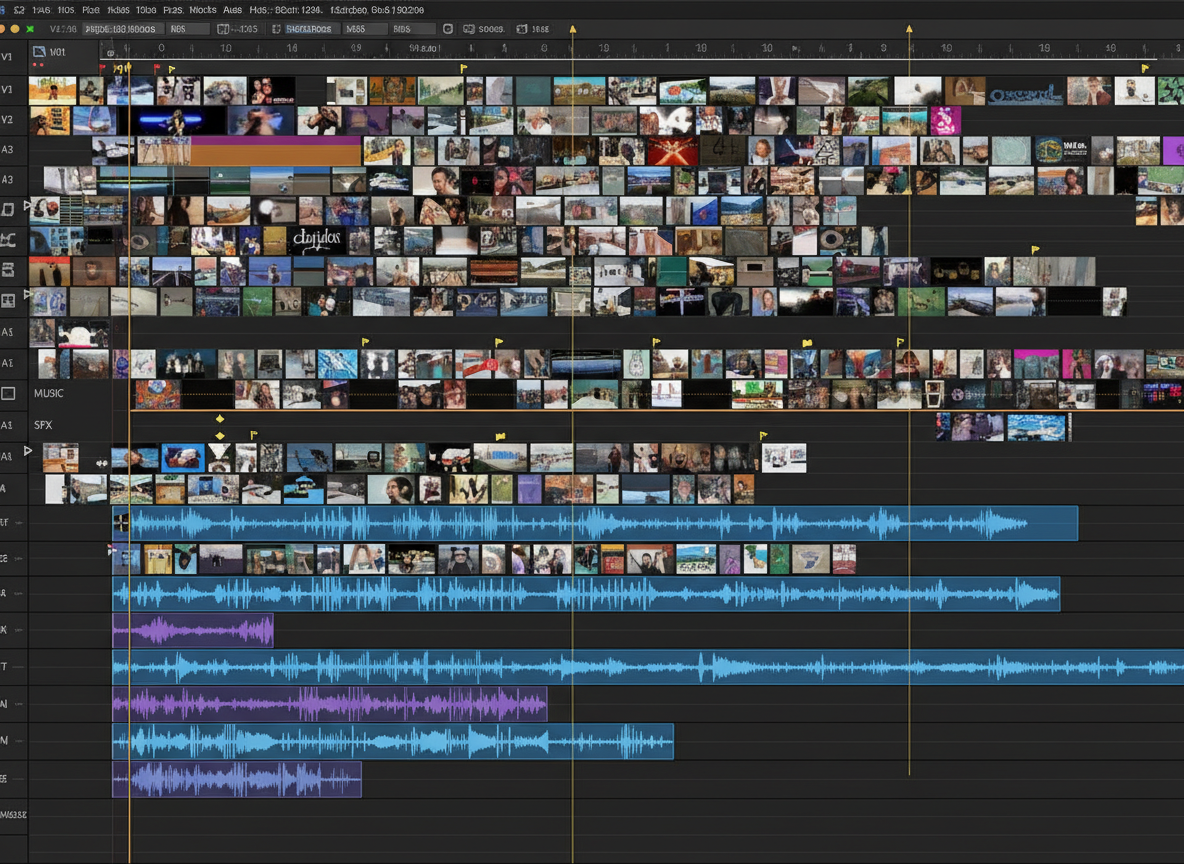
Video Editing is the art of arranging, trimming, enhancing, and combining video clips to create a compelling visual story for digital platforms, films, advertisements, and social media. It transforms raw footage into engaging, professional-quality content using creative techniques and advanced tools.
Basic Video Editing
Cutting, trimming, and organizing clips to build a clear and smooth sequence.
Motion Graphics & Effects
Adding animations, transitions, and visual effects to enhance storytelling.
Color Correction & Grading
Adjusting colors and tones to achieve cinematic and visually appealing results.
Audio Editing & Enhancement
Syncing audio, removing noise, and adding music or voiceovers for better impact.
Final Output & Publishing
Exporting videos in the right formats for platforms like YouTube, TV, and social media.
Turn Your Creativity Into a Video Editing Career
Course Curriculum
A complete learning path covering editing, motion graphics, and professional workflows.
- Overview of video editing industry and career opportunities
- Understanding video formats, resolutions, and frame rates
- Basics of video storytelling and narrative techniques
Interface walkthrough and workspace customization
Importing and organizing media files
Basic editing tools: cutting, trimming, and splitting clips
Timeline management and sequence settings
Working with audio: syncing, editing, and mixing sound
Multi-camera editing and nested sequences
Applying transitions and effects
Color correction and color grading basics
Working with keyframes and motion graphics
Understanding motion graphics and visual effects
Creating and animating text layers
Basic compositing techniques and masking
Using effects and presets for creative enhancements
Noise reduction and audio enhancement tools
Adding sound effects and background music
Voiceover editing and synchronization
- Export settings for different platforms (YouTube, TV, social media)
- Understanding codecs and compression
- Creating final output and backups
- Hands-on editing projects to apply learned skills
- Creating showreels and professional portfolios
- Feedback sessions and revisions for improvement
Tools You’ll Master
Get hands-on experience with industry-standard tools used in professional video editing and content creation.
Adobe Premier Pro
Learn cutting, trimming, timeline editing, and creating professional-quality videos.
Adobe Photoshop
Create thumbnails, posters, and graphics for videos.
Adobe After Effects
Create animations, transitions, text effects, and enhance videos with motion graphics.
Adobe Audition
Clean audio, remove noise, and enhance sound quality.
DaVinci Resolve
Master color correction, cinematic grading, and final video output techniques.
Turn Your Creativity Into a Career
Starting Salary for The Entry-level video editors
Learn from Industry Experts
- Industry-experienced trainers
- Practical hands-on training
- Real-time projects & portfolio building
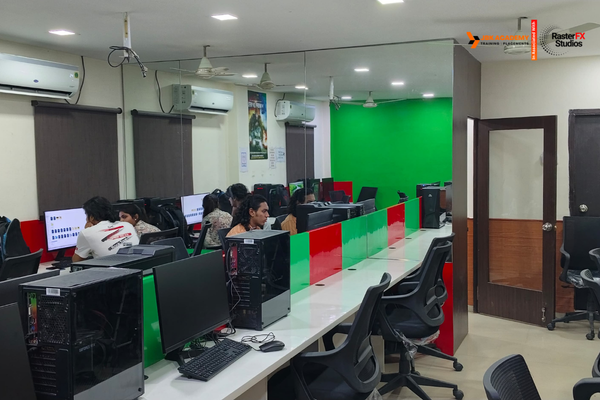
- Creative studio environment
- Career guidance & placement support
Turn Your Creativity Into a Video Editing Career
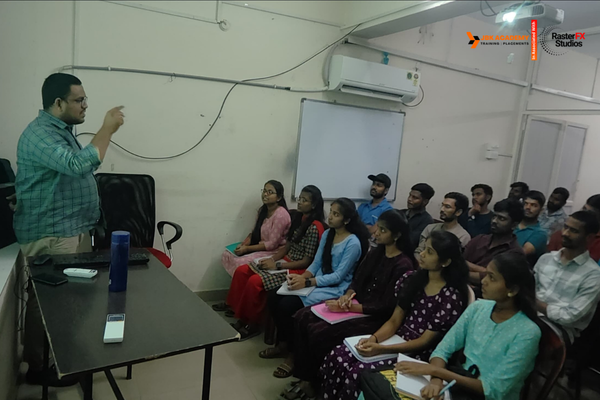
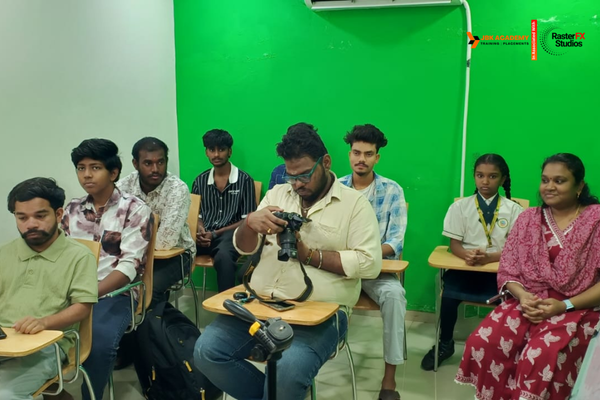
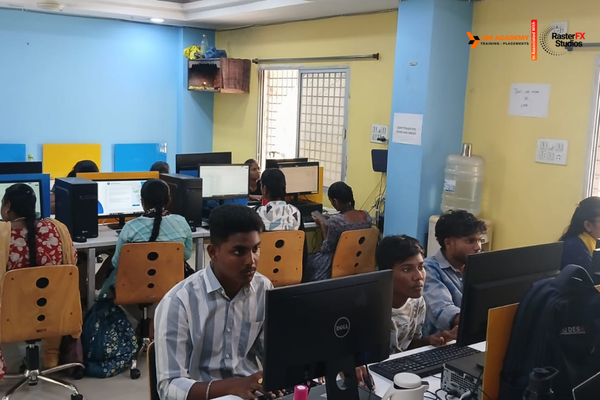
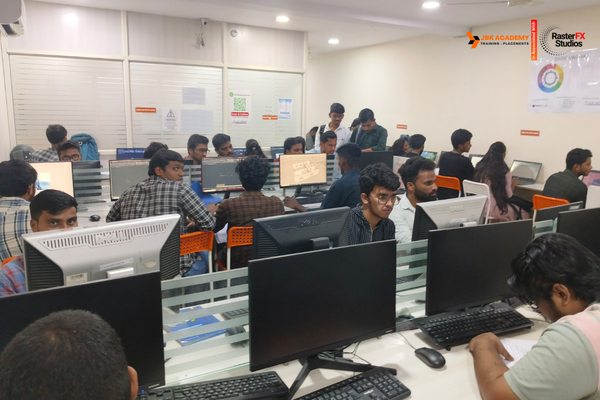
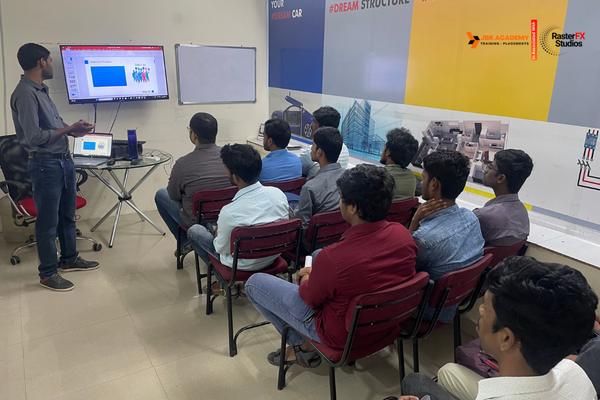
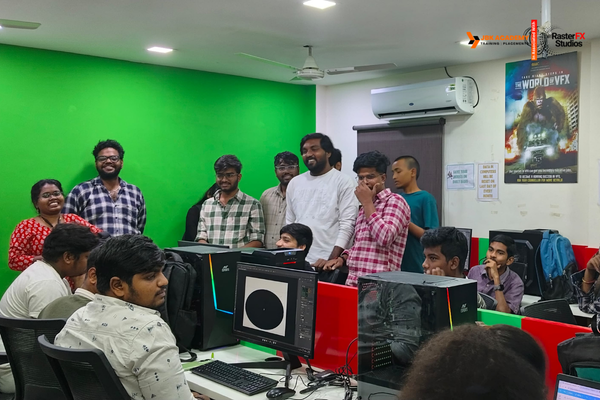
Student Gallery
This is not just student practice — it’s real industry-level work.
At Raster FX Studios, students create cinematic videos, professional motion graphics, and client-ready projects.
Our training doesn’t just teach skills — it prepares you to start your career with confidence from day one.
What Our Students Say
Real experiences from learners who transformed their skills and careers with us.
★★★★★ Rated 4.6 out of 5
Raster FX Studios Ameerpet is one of the best places to learn video editing. I learned Premiere Pro and After Effects with real-time examples. Faculty are supportive and guide you well during projects. They also help with portfolio preparation.
Praveen Yadav
Video Editor
★★★★★ Rated 5 out of 5
Raster fx studios gave me the confidence to start designing professionally the trainer's patience and the way he teaches basics is really good
KARUNAKAR SHAIK
Student
★★★★★ Rated 4.5 out of 5
Raster FX Studios Ameerpet helped me build a strong foundation in graphic designing. From Photoshop basics to advanced design concepts, everything was taught clearly. Friendly environment and helpful staff.
Govind Sai
Freelancer
Contact us
Start Your Creative Journey Today
Visit Our Video Editing Training Institute
Explore our modern learning environment and start your journey in visual effects at Raster Fx Studio