 Skip to content
Adobe After Effects Course Training Institute In Hyderabad
After Effects Training Institute in Hyderabad is ideal for students and professionals who want to build a career in motion graphics, VFX, and animation. At Raster FX Studios, we provide industry-focused training with hands-on projects and expert guidance.
4.8 Rating ⭐⭐⭐⭐⭐
Placement Assistance
Start Your Creative Journey
Our career experts will help you choose the right learning path.
Adobe After Effects Course Overview
The Adobe After Effects Course in Ameerpet, Hyderabad at Raster FX Studios is designed to help you master motion graphics, visual effects (VFX), and animation techniques used in films, advertisements, and digital media. This course takes you from beginner to advanced level, covering everything from basic animations to complex compositing and cinematic effects.
With a strong focus on hands-on training and real-time projects, you will learn how to create stunning motion graphics, logo animations, title sequences, and visual effects used in movies and digital content. You will work on ads, social media videos, explainer videos, and VFX shots, gaining practical industry experience.
Our training ensures you develop both creative storytelling skills and technical expertise, making you job-ready in the growing motion graphics and VFX industry in Hyderabad.
Adobe After Effects Course Description
After Effects Training in Hyderabad at Raster FX Studios is designed to provide a complete, industry-focused learning experience for students and professionals who want to master motion graphics, animation, and visual effects. The course follows a practical approach, ensuring learners gain real-world skills that are directly applicable in the industry.
One of the key features of After Effects Training in Hyderabad is hands-on learning through live projects. Students work on real-time assignments such as motion graphics, logo animations, visual effects, and compositing, helping them understand professional workflows and build a strong portfolio.
Another important feature of After Effects Training in Hyderabad is expert-led instruction. Experienced trainers guide students from basic concepts to advanced techniques like keyframing, motion tracking, masking, and rendering, ensuring a strong foundation and advanced skill development.
Softwares Covered in Adobe After Effects
Adobe After Effects Course Curriculum
Module 1: Basics of After Effects
- Interface and workspace overview
- Composition settings
- Importing assets
Module 2: Animation Fundamentals
- Keyframes and animation principles
- Transform properties
- Graph editor basics
Module 3: Motion Graphics
- Text animations
- Logo animation
- Lower thirds and titles
Module 4: Visual Effects (VFX)
- Green screen (chroma key)
- Rotoscoping basics
- Tracking and masking
Module 5: Advanced Techniques
- Motion tracking
- 3D layers and camera
- Particle effects and plugins
Module 6: Real-Time Projects
- Advertisement videos
- Social media animations
- Explainer videos
Our Hiring Partners
















Why Choose Raster Fx Studios
Learn from experienced professionals with real industry knowledge.
Get dedicated support to help you land your dream job.
Course content tailored to current industry standards and trends.
Flexible learning options to suit your schedule and preferences.
Placed Students
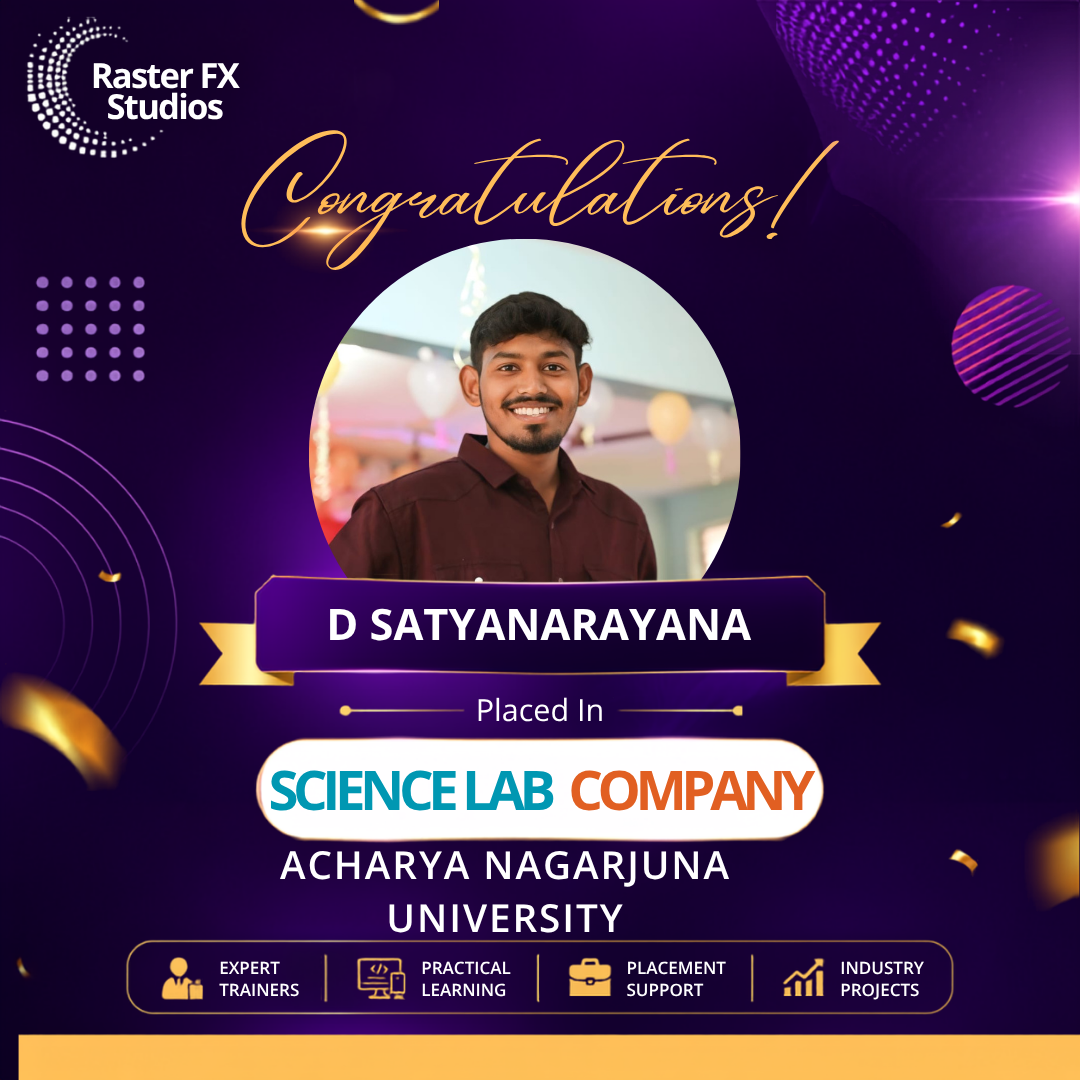

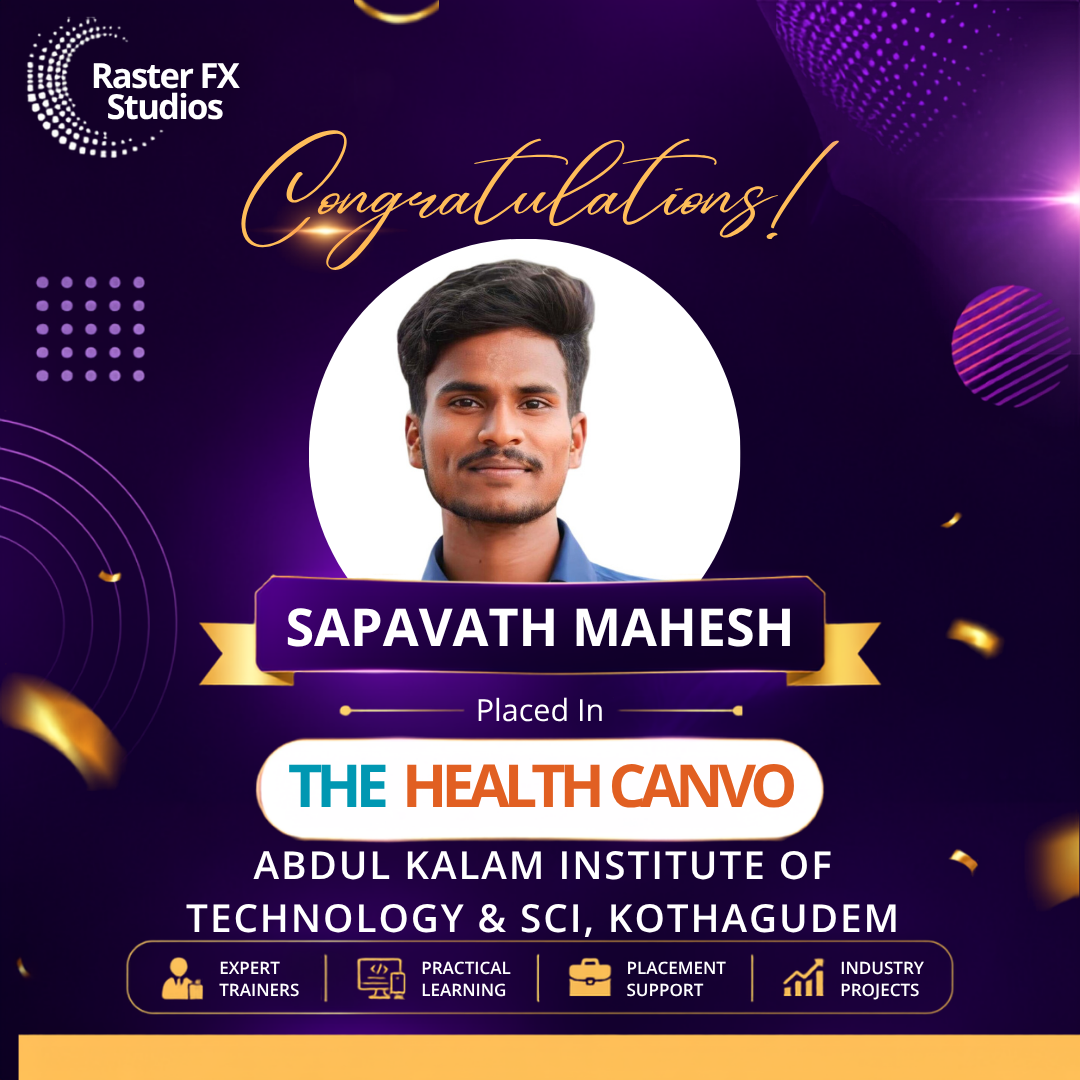
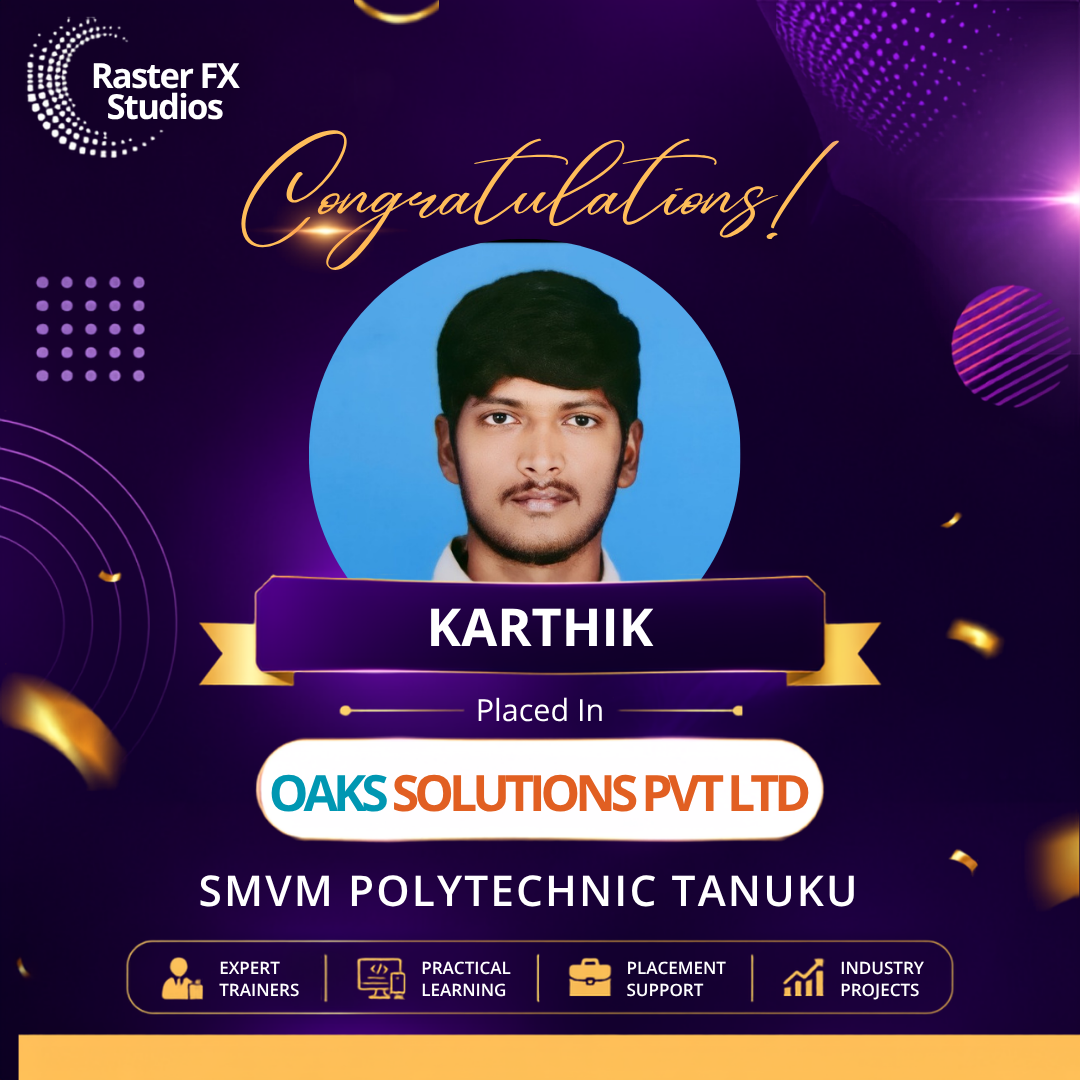
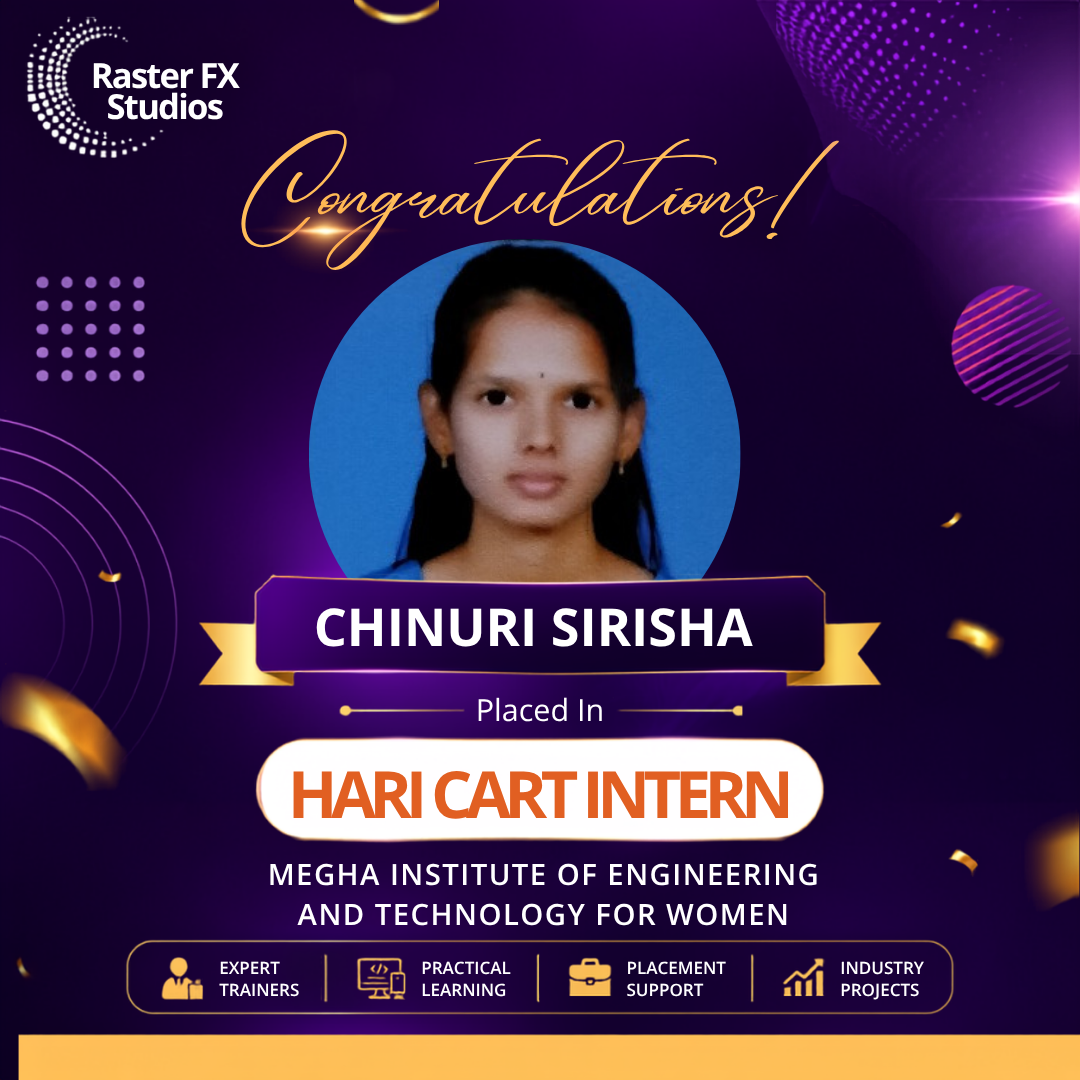
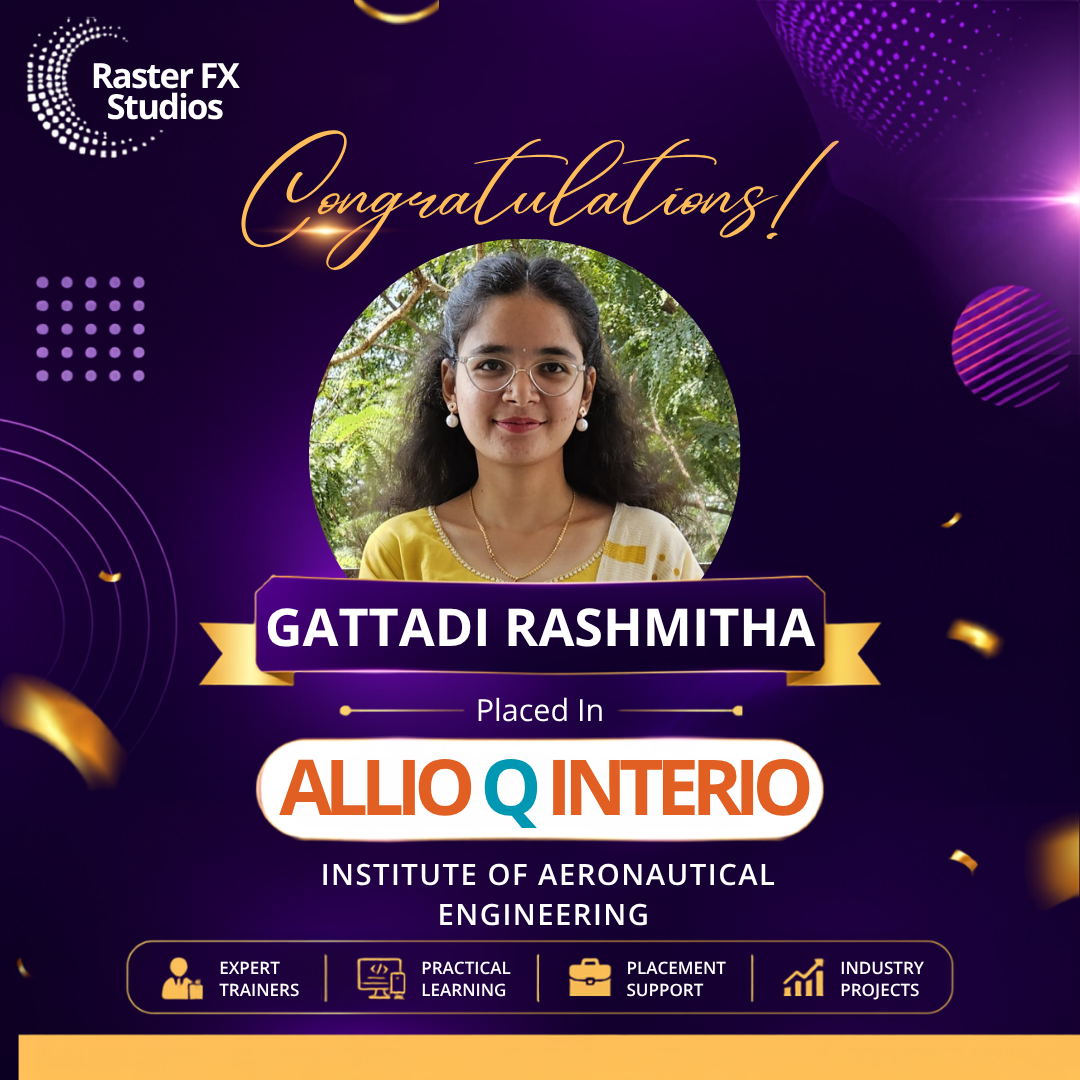

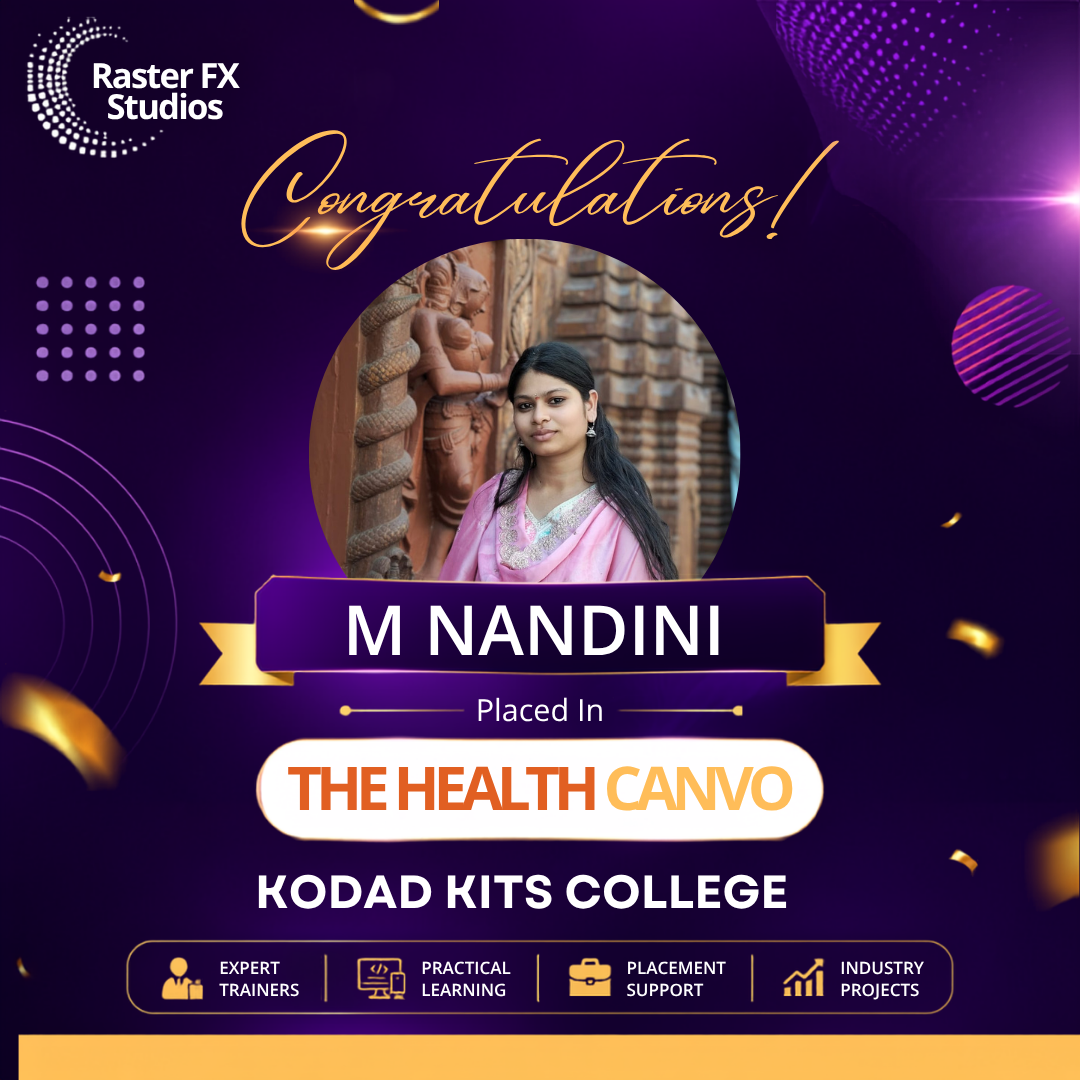

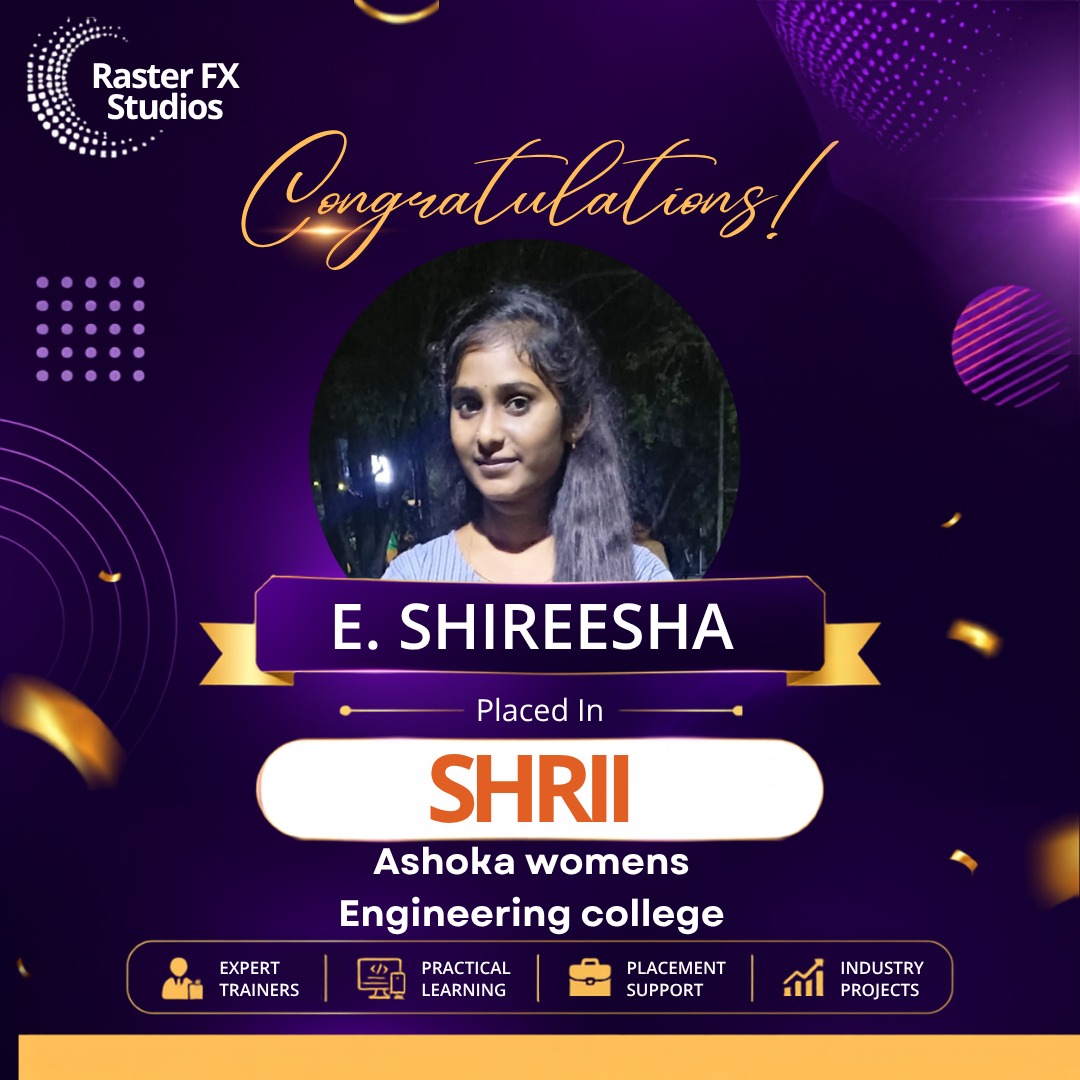
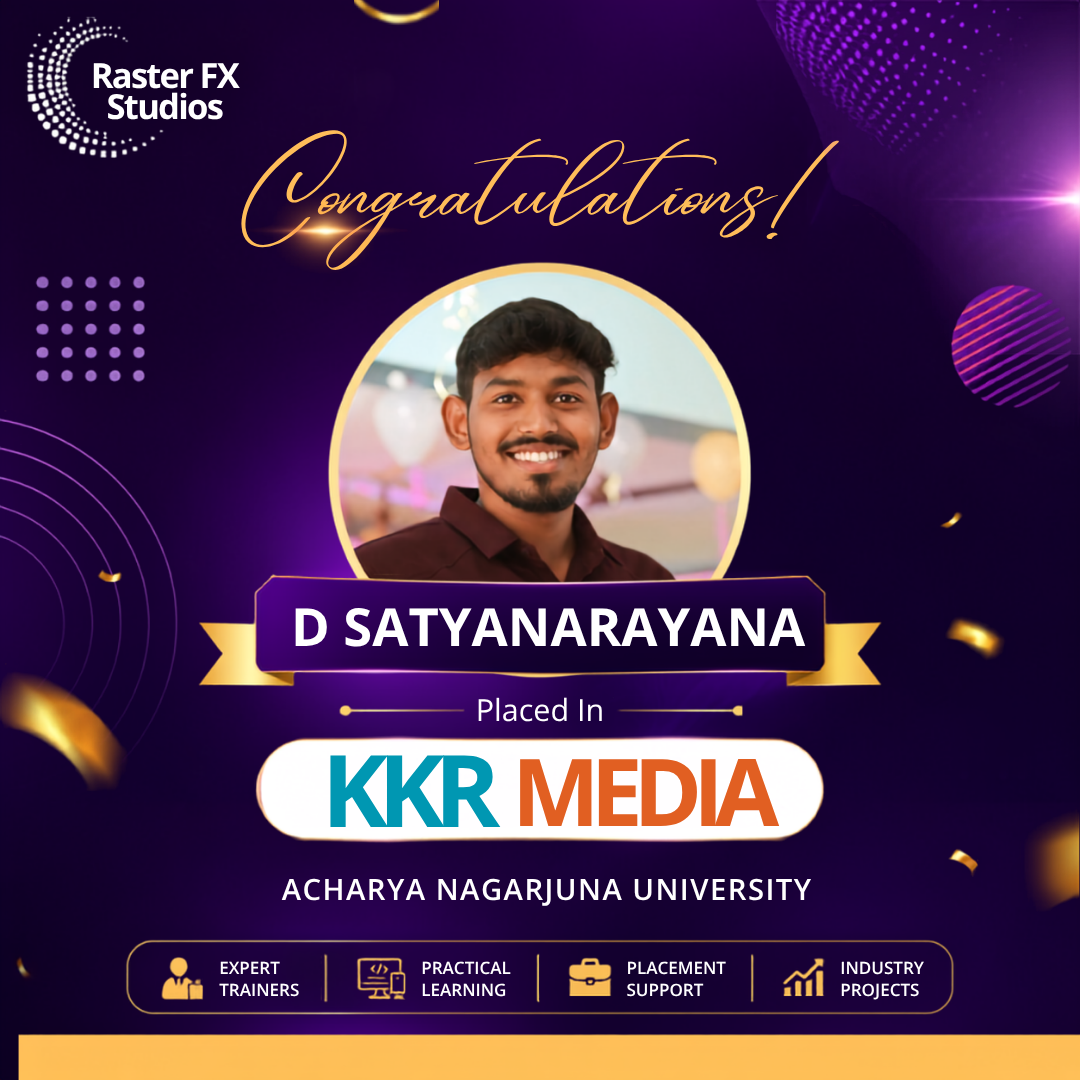
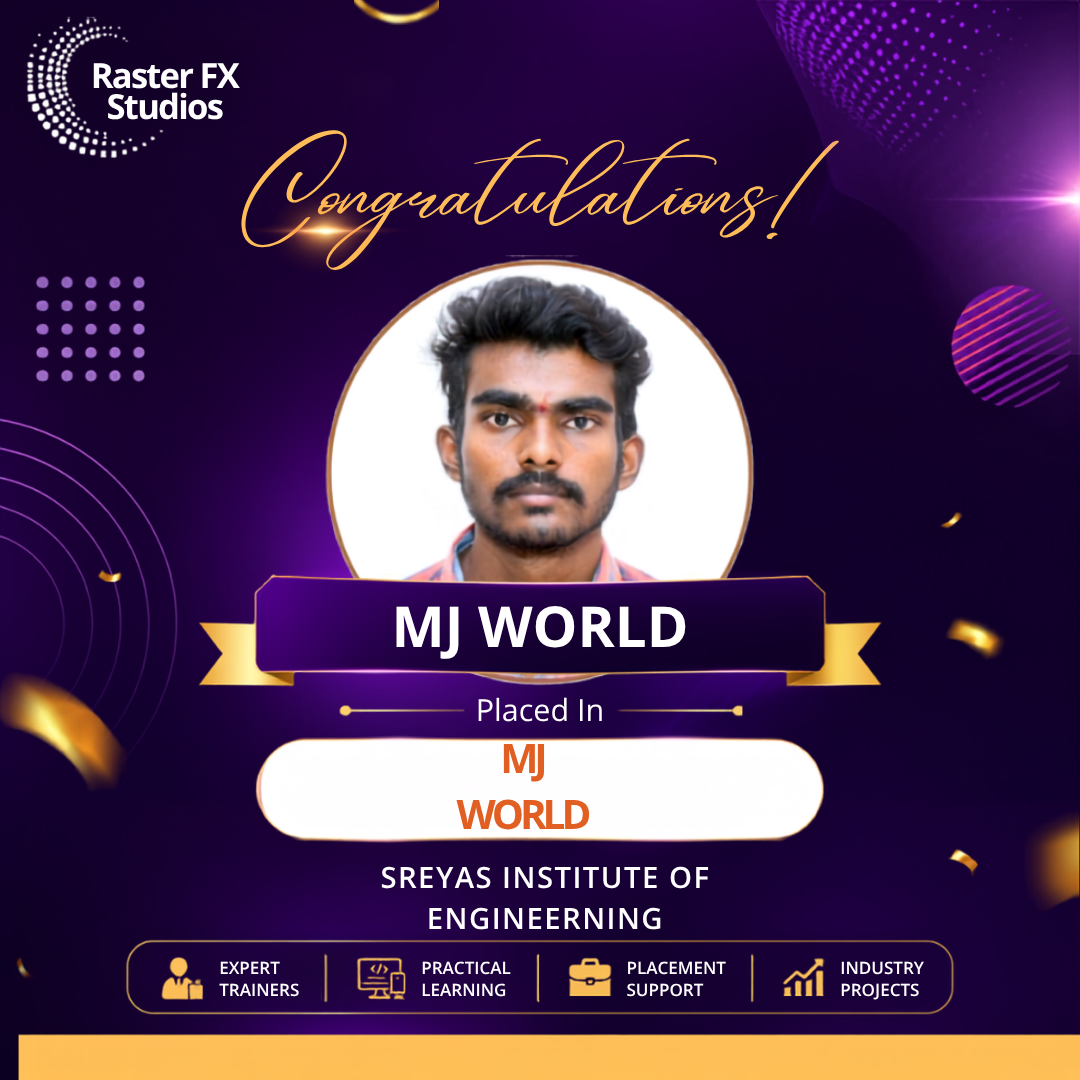
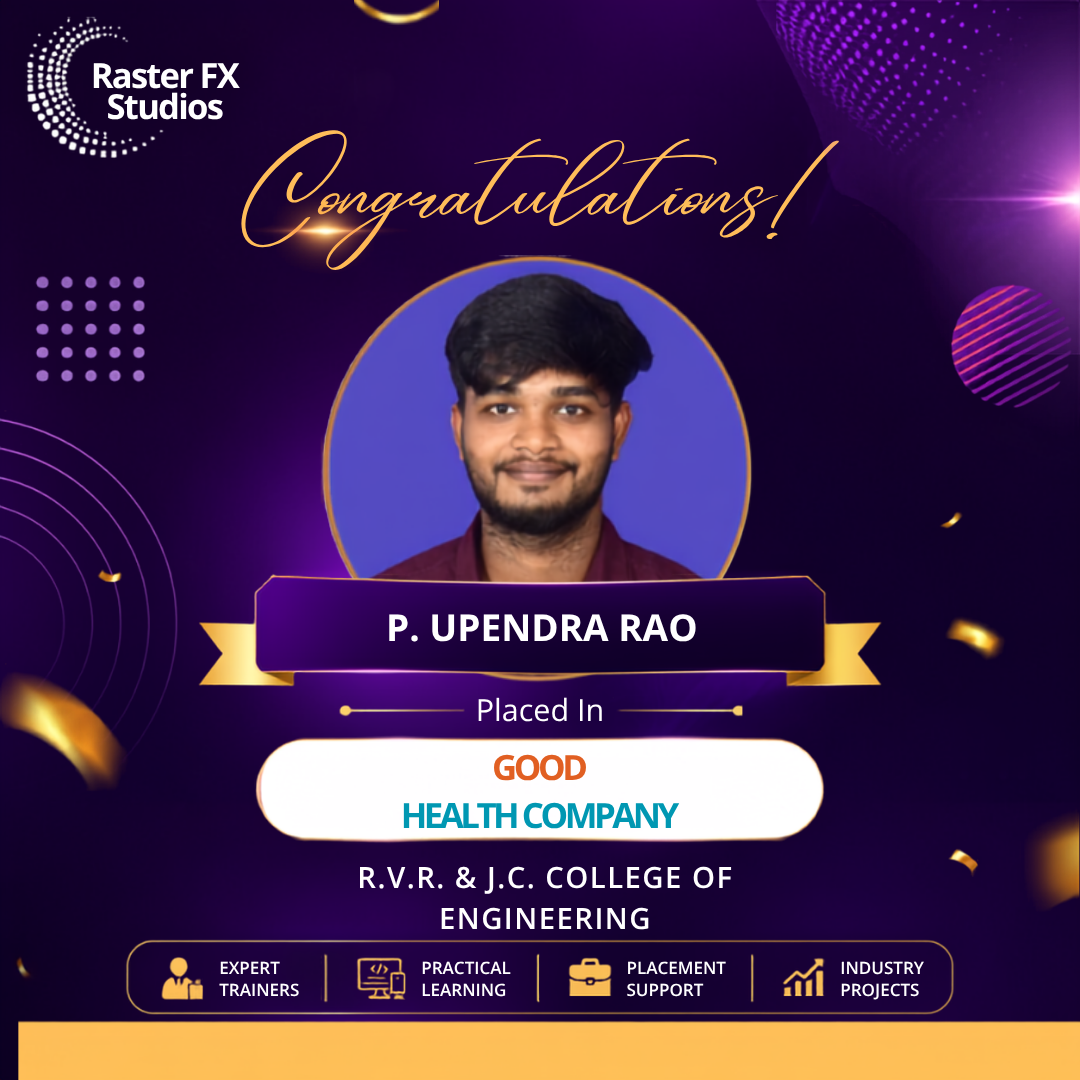
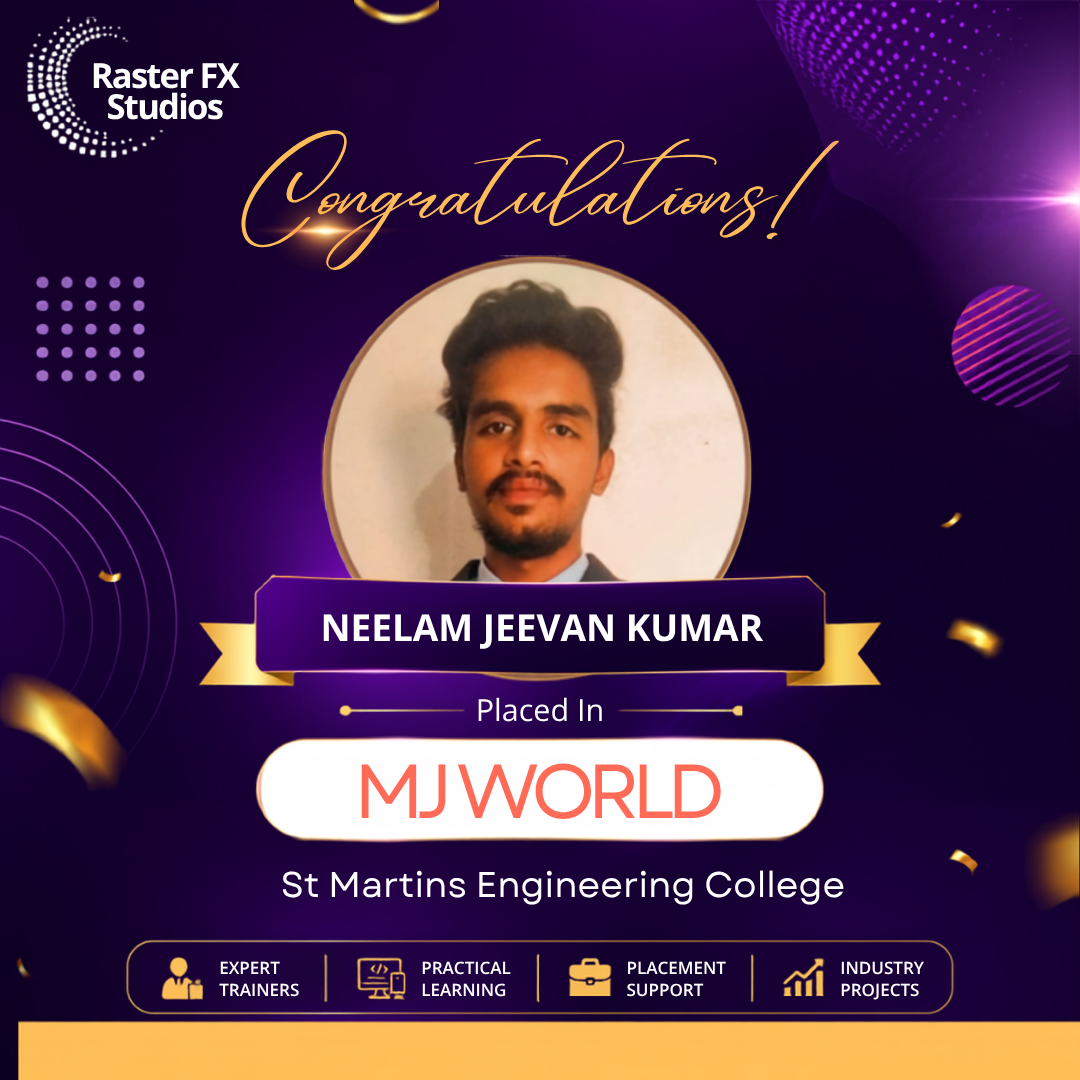


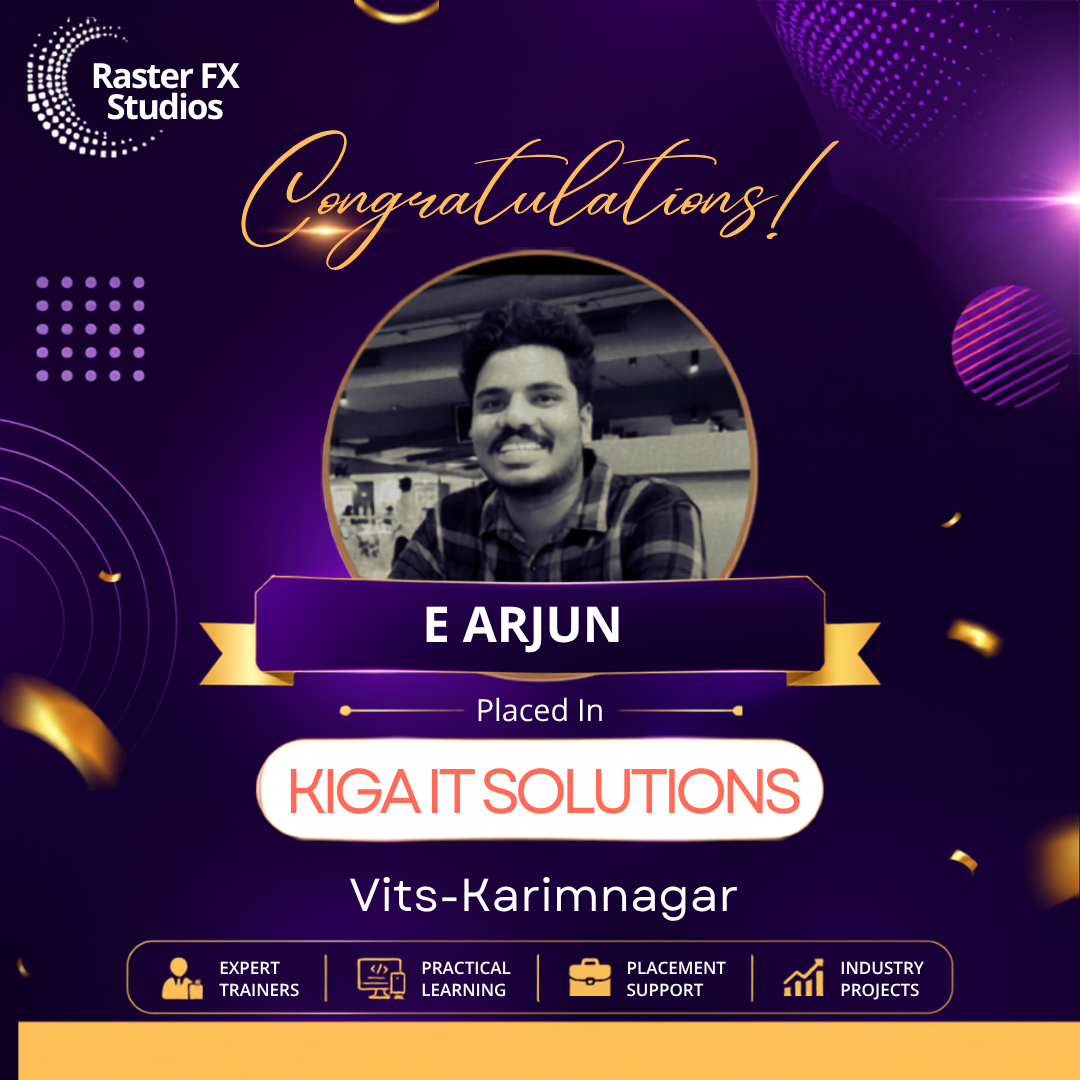
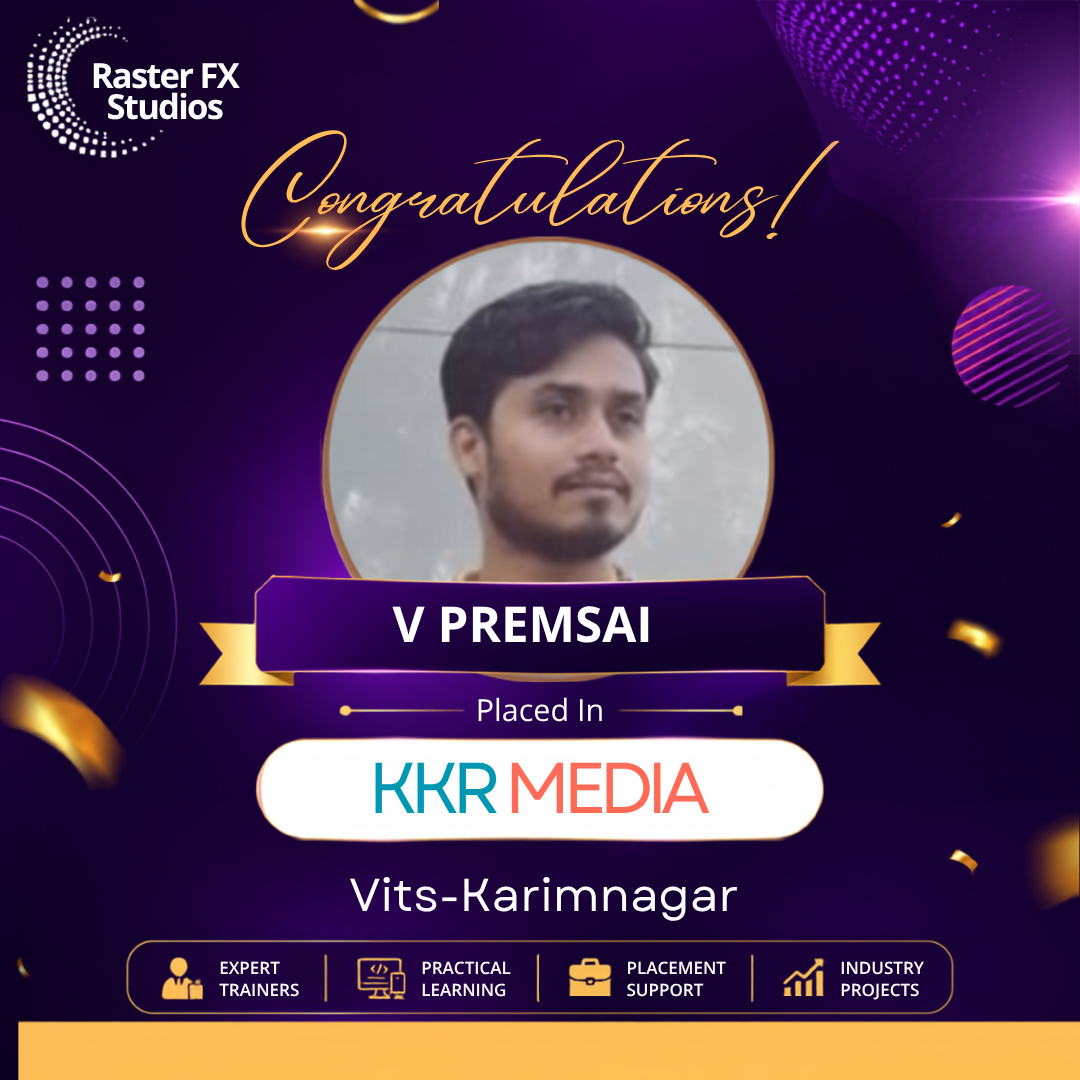
Our Students Success Stories

Frequently Ask Questions
1. What is an Adobe After Effects course?
An Adobe After Effects course is a professional training program that teaches students how to create motion graphics, visual effects, animations, and compositing for films, television, advertisements, social media, and digital content. The course covers animation principles, keyframing, tracking, masking, and effects creation using industry-standard workflows.
2. Who can enroll in an Adobe After Effects course?
Anyone interested in motion graphics, video editing, animation, or visual effects can enroll in an Adobe After Effects course. Students who have completed 10th grade, Intermediate, Diploma, or Graduation are generally eligible. Beginners, freelancers, content creators, graphic designers, and working professionals can also join to enhance their creative skills.
3. What software is taught in an Adobe After Effects course?
The primary software taught is Adobe After Effects. Many institutes also include Adobe Premiere Pro, Photoshop, Illustrator, Adobe Audition, and Media Encoder to help students understand complete post-production workflows and improve productivity when creating motion graphics and visual effects projects.
4. What topics are covered in an Adobe After Effects course?
An Adobe After Effects course generally covers interface basics, layers, keyframing, masking, motion tracking, green screen keying, text animation, shape animation, expressions, compositing, particle effects, camera movements, rendering, and exporting videos for digital platforms and professional productions.
5. Is an Adobe After Effects course suitable for beginners?
Yes, most Adobe After Effects courses are designed for beginners and start with fundamental concepts before progressing to advanced animation and compositing techniques. Through hands-on assignments and projects, students can develop practical skills even without prior experience in animation or video production.
6. What career opportunities are available after completing an Adobe After Effects course?
Completing an Adobe After Effects course can lead to roles such as Motion Graphics Designer, VFX Artist, Compositor, Video Editor, Broadcast Designer, Animation Artist, Content Creator, and Freelance Motion Designer. Opportunities are available in advertising agencies, media companies, production houses, and digital marketing firms.
7. What is the average salary after an Adobe After Effects course?
Freshers with Adobe After Effects skills in India can expect salaries ranging from ₹3 lakh to ₹7 lakh per year. Earnings vary depending on technical expertise, portfolio quality, project experience, software proficiency, and employer expectations. Skilled freelancers and experienced artists often earn significantly higher incomes.
8. Can beginners learn Adobe After Effects in a few months?
Yes, beginners can learn Adobe After Effects within a few months through structured training, guided projects, and continuous practice. Basic animation and compositing techniques can be mastered quickly, while advanced motion graphics and visual effects require additional practical experience and creative exploration.
9. Does an Adobe After Effects course include practical projects?
Most institutes include practical assignments such as logo animations, promotional videos, explainer videos, title sequences, social media advertisements, kinetic typography, and visual effects compositions. Project-based learning helps students understand professional workflows and build an impressive portfolio.
10. Will I receive a certificate after completing an Adobe After Effects course?
Yes, many institutes provide a course completion certificate after students successfully complete training and project submissions. Certificates validate learning, but employers generally focus more on practical abilities, creativity, and portfolio quality when selecting candidates for motion graphics and VFX roles.
11. What is the fee for an Adobe After Effects course?
The fee for an Adobe After Effects course in India generally ranges between ₹15,000 and ₹70,000. Pricing depends on course duration, software access, faculty expertise, practical assignments, placement assistance, and whether the course is delivered online or through classroom training.
12. Can I learn Adobe After Effects online?
Yes, many institutes offer online Adobe After Effects courses with live interactive classes, recorded sessions, project mentoring, and doubt-clearing support. Online learning enables students and professionals to gain motion graphics and visual effects skills from home while maintaining flexible schedules.
13. Is placement assistance available after an Adobe After Effects course?
Several institutes provide placement assistance, including resume preparation, portfolio reviews, mock interviews, internship opportunities, and job referrals. Placement support helps students connect with animation studios, advertising agencies, television channels, production houses, and digital media companies.
14. What is the difference between Adobe After Effects and Premiere Pro?
Adobe After Effects is mainly used for motion graphics, compositing, animation, and visual effects, whereas Adobe Premiere Pro focuses on video editing, sequencing, and audio synchronization. Many creative professionals use both applications together to produce high-quality videos with engaging animations and effects.
15. Can I work as a freelancer after completing an Adobe After Effects course?
Yes, students with strong portfolios can work as freelance motion graphics designers and visual effects artists. Services such as logo animation, social media video creation, promotional videos, title design, and explainer animations are in high demand among businesses and content creators.
16. Why should I choose an Adobe After Effects course?
An Adobe After Effects course helps learners acquire industry-relevant skills used in filmmaking, advertising, broadcasting, and digital marketing. With increasing demand for animated content and visual storytelling, mastering After Effects can create numerous career opportunities and freelance projects.
17. What skills are required to become a successful motion graphics designer?
Successful motion graphics designers need creativity, storytelling abilities, attention to detail, time management, and proficiency in animation software. Understanding typography, color theory, composition, timing, and user engagement techniques also contributes to creating visually appealing motion graphics.
18. Can working professionals enroll in an Adobe After Effects course?
Yes, many institutes offer weekend batches, evening classes, and online learning options specifically designed for working professionals. Flexible schedules enable learners to improve their animation and compositing skills while continuing their existing jobs or managing other commitments.
19. How do I choose the best Adobe After Effects course?
When selecting an Adobe After Effects course, consider factors such as curriculum depth, faculty expertise, software training, practical assignments, placement support, portfolio-building opportunities, and student reviews. Comparing institutes and attending demo sessions can help you choose the most suitable training program.
20. Why is a portfolio important after completing an Adobe After Effects course?
A portfolio showcases your creativity, animation skills, and practical experience through motion graphics and visual effects projects. Employers and clients often review portfolios before hiring because they demonstrate technical proficiency and artistic capabilities. A strong portfolio significantly improves opportunities for jobs, internships, and freelance work.