- +91 9985772614
- info@rasterfxstudios.com
- +91 9391271959

 Skip to content
 Learn the fundamentals of Adobe Photoshop and develop professional skills in photo editing, graphic design, image enhancement, and digital illustration. Build creative projects and become job-ready.
4.8 Rating ⭐⭐⭐⭐⭐
Placement Assistance
Our career experts will help you choose the right learning path.
Master Adobe Photoshop with industry experts at Raster FX Studios and take your creative skills to the next level. Our training program is designed to help students and professionals gain in-depth knowledge of Photoshop, from basic tools to advanced image editing techniques used in real-world projects.
At Raster FX Studios, learning is completely hands-on. You will work on live projects that cover photo editing, retouching, color correction, compositing, and graphic design. Our experienced trainers provide step-by-step guidance, ensuring you understand both the technical and creative aspects of Adobe Photoshop.
Whether you are a beginner or someone looking to upgrade your skills, our structured curriculum makes it easy to learn and apply concepts effectively. We focus on practical learning, portfolio building, and industry-relevant skills that help you stand out in the competitive design field.
With flexible learning options, including online and offline classes, you can choose what suits your schedule. In addition, we provide placement assistance, resume support, and career guidance to help you kickstart your journey in graphic design, digital marketing, and multimedia industries.
Join Raster FX Studios today and master Adobe Photoshop with confidence, creativity, and real-world expertise.
Our Photoshop Training in Hyderabad covers essential tools, image editing techniques, and real-world design projects. This Photoshop Training in Hyderabad is designed for beginners and professionals who want to master Adobe Photoshop and build a successful career.
The Adobe Photoshop Course in Hyderabad at Raster FX Studios is designed to help students and professionals master the art of digital image editing and graphic design from the ground up. This course covers everything from basic tools and interface navigation to advanced photo manipulation, retouching, and creative design techniques.
With a strong focus on practical learning and real-time projects, students gain hands-on experience in creating social media creatives, marketing designs, posters, and professional graphics used in today’s digital industry.






Learn from experienced professionals with real industry knowledge.
Get dedicated support to help you land your dream job.
Course content tailored to current industry standards and trends.
Flexible learning options to suit your schedule and preferences.
Hands-On Projects in Photoshop Training play a crucial role in helping learners gain practical experience and confidence in real-world design scenarios. In our Photoshop Training in Hyderabad, students work on industry-relevant projects that simulate actual client requirements, ensuring they are job-ready by the end of the course.
Throughout the Photoshop Training in Hyderabad, learners will engage in a variety of projects such as photo editing, image retouching, poster design, social media creatives, banner design, and digital artwork. These projects help students understand how to apply tools and techniques effectively while developing a strong creative approach.
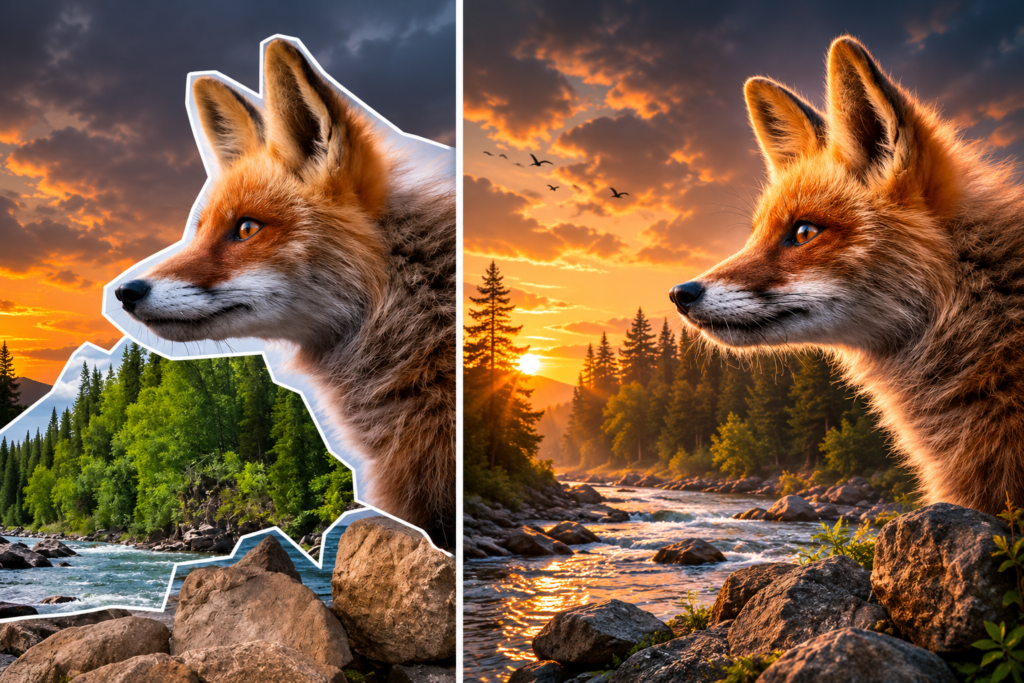
The hands-on approach in Photoshop Training in Hyderabad allows students to explore advanced features like color correction, background removal, compositing, and layer management. By working on real-time assignments, learners gain a deeper understanding of professional workflows used in graphic design and digital marketing industries.
Additionally, these practical projects in Photoshop Training in Hyderabad help students build a strong portfolio, which is essential for job placements and freelance opportunities. With continuous guidance from expert trainers and regular feedback, students can refine their skills and improve their design quality.
By the end of the Photoshop Training in Hyderabad, learners will have completed multiple projects that showcase their abilities, making them confident and industry-ready professionals.
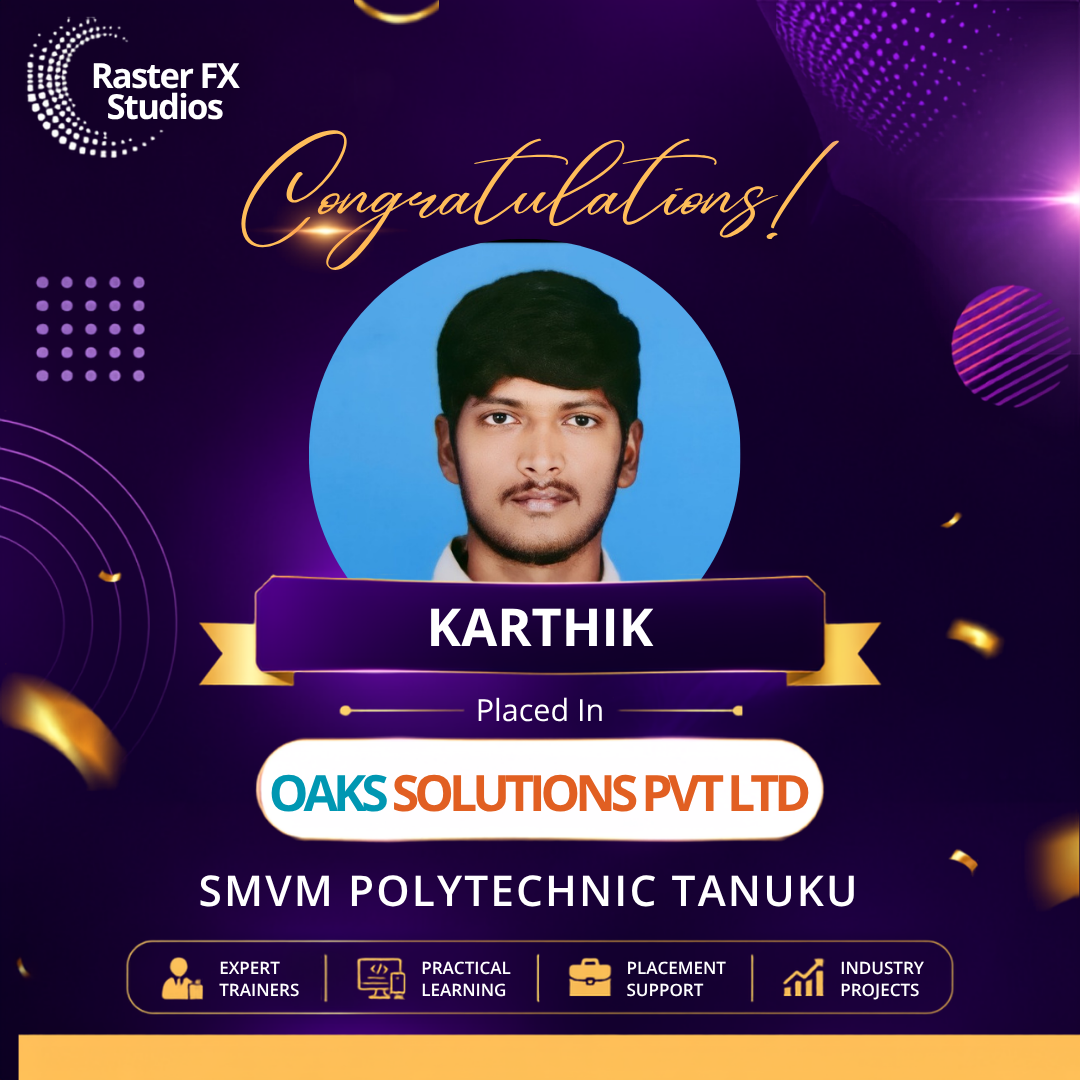
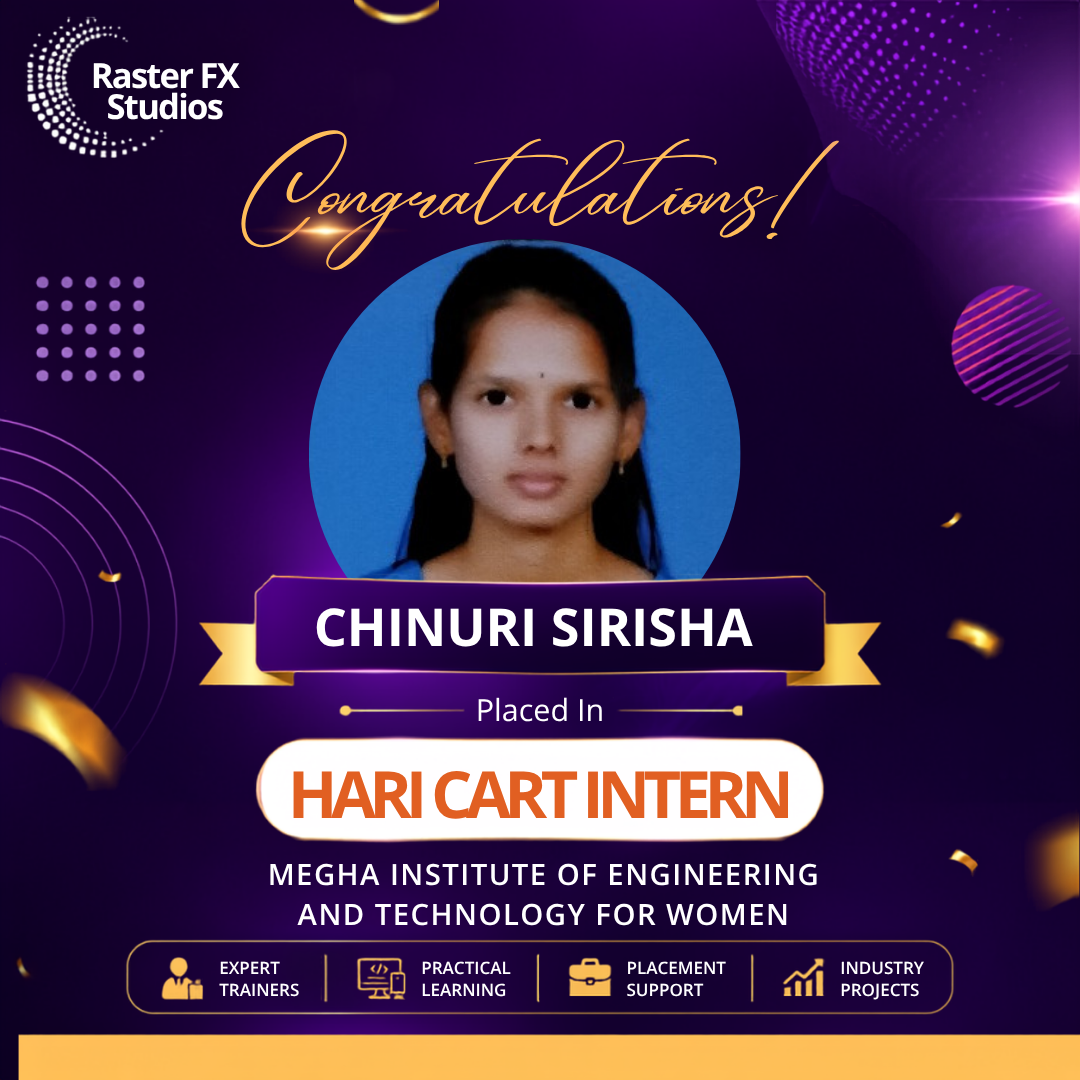
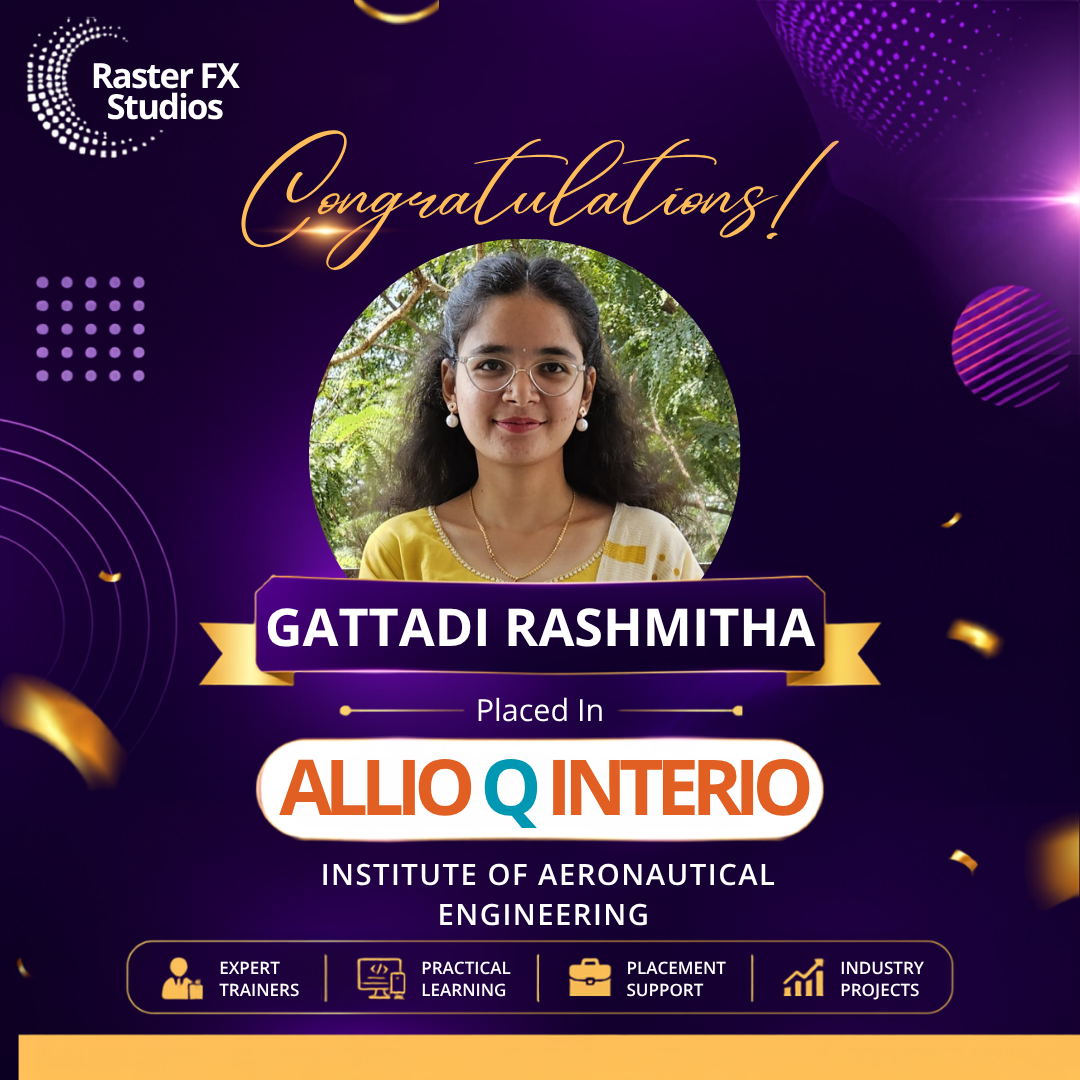
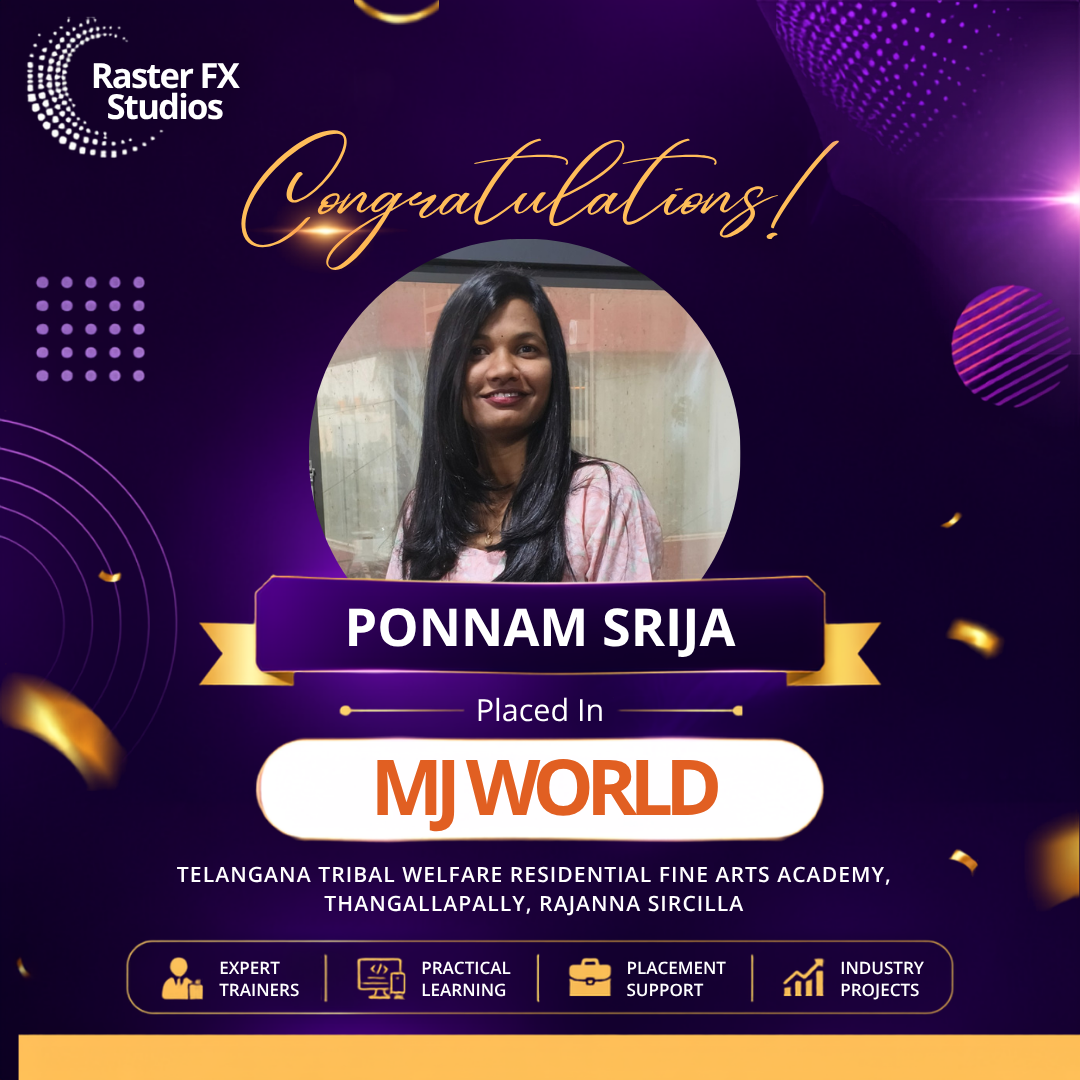

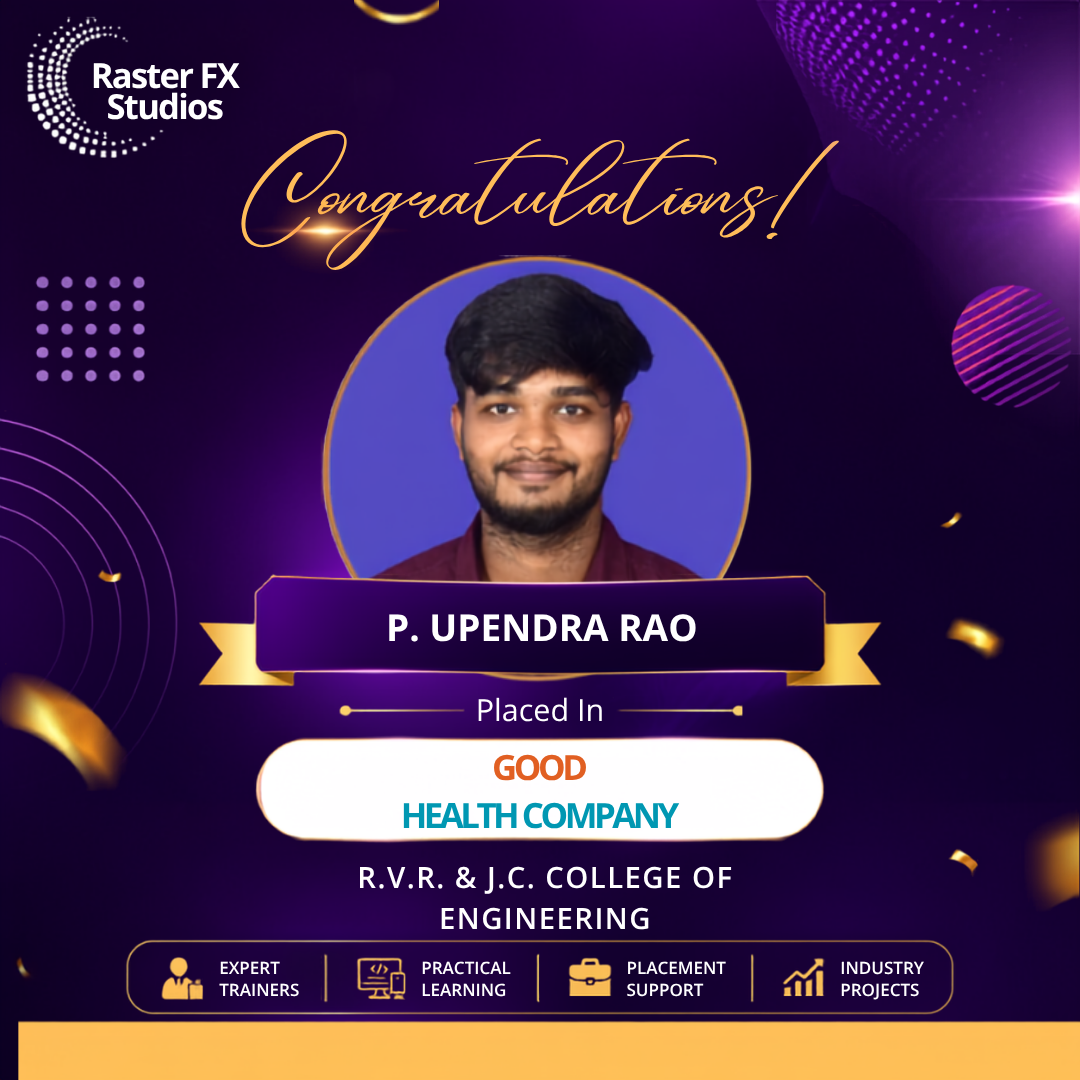
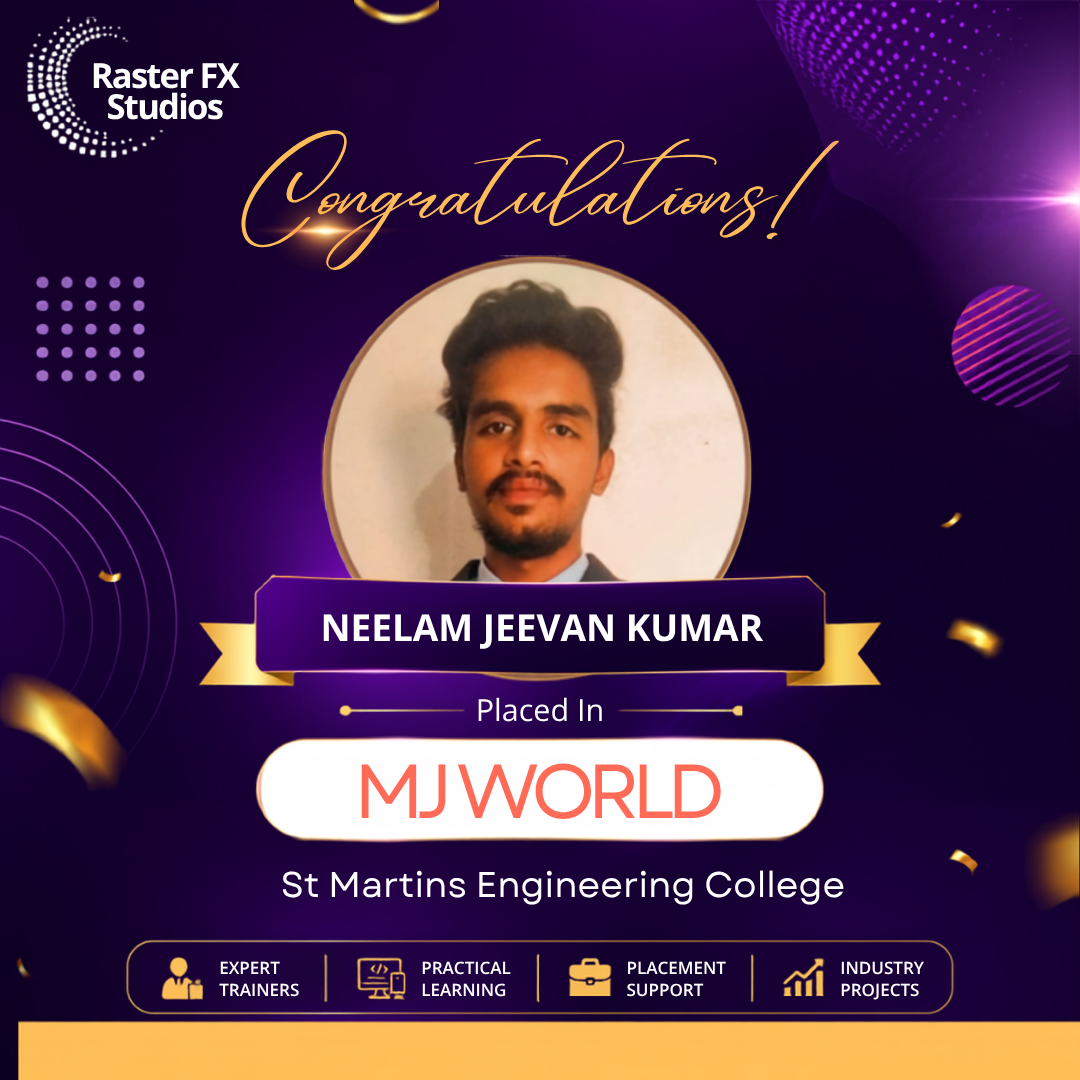
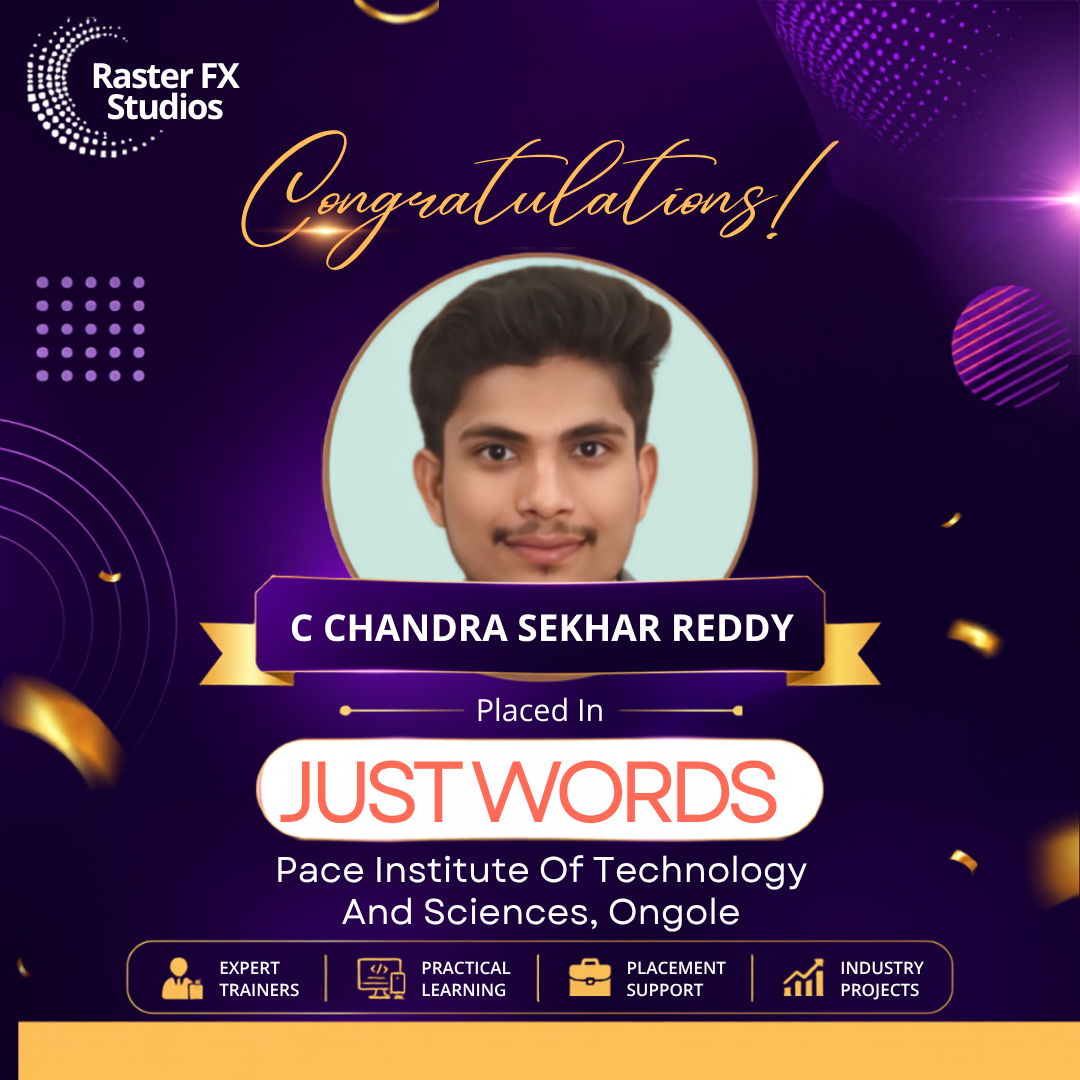
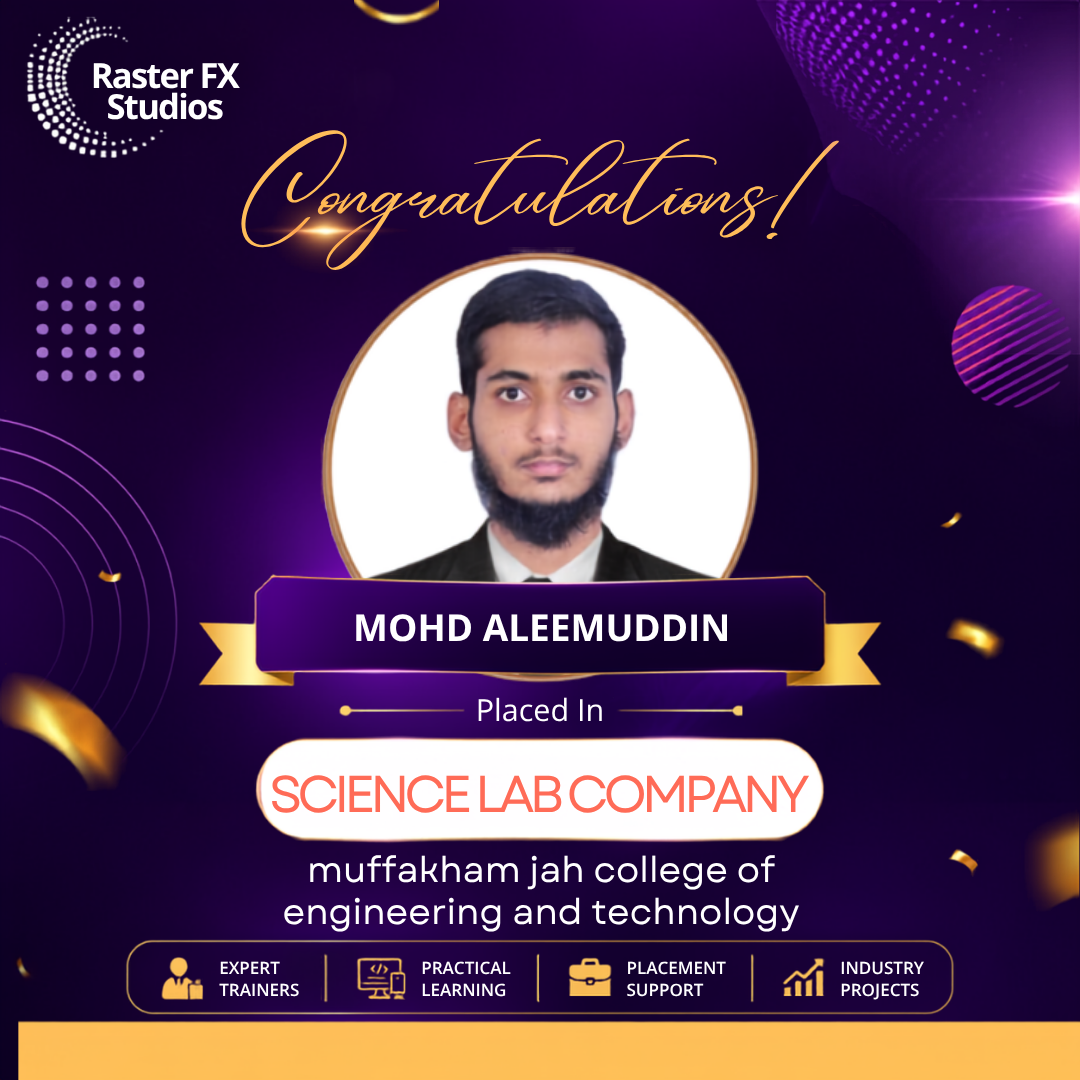
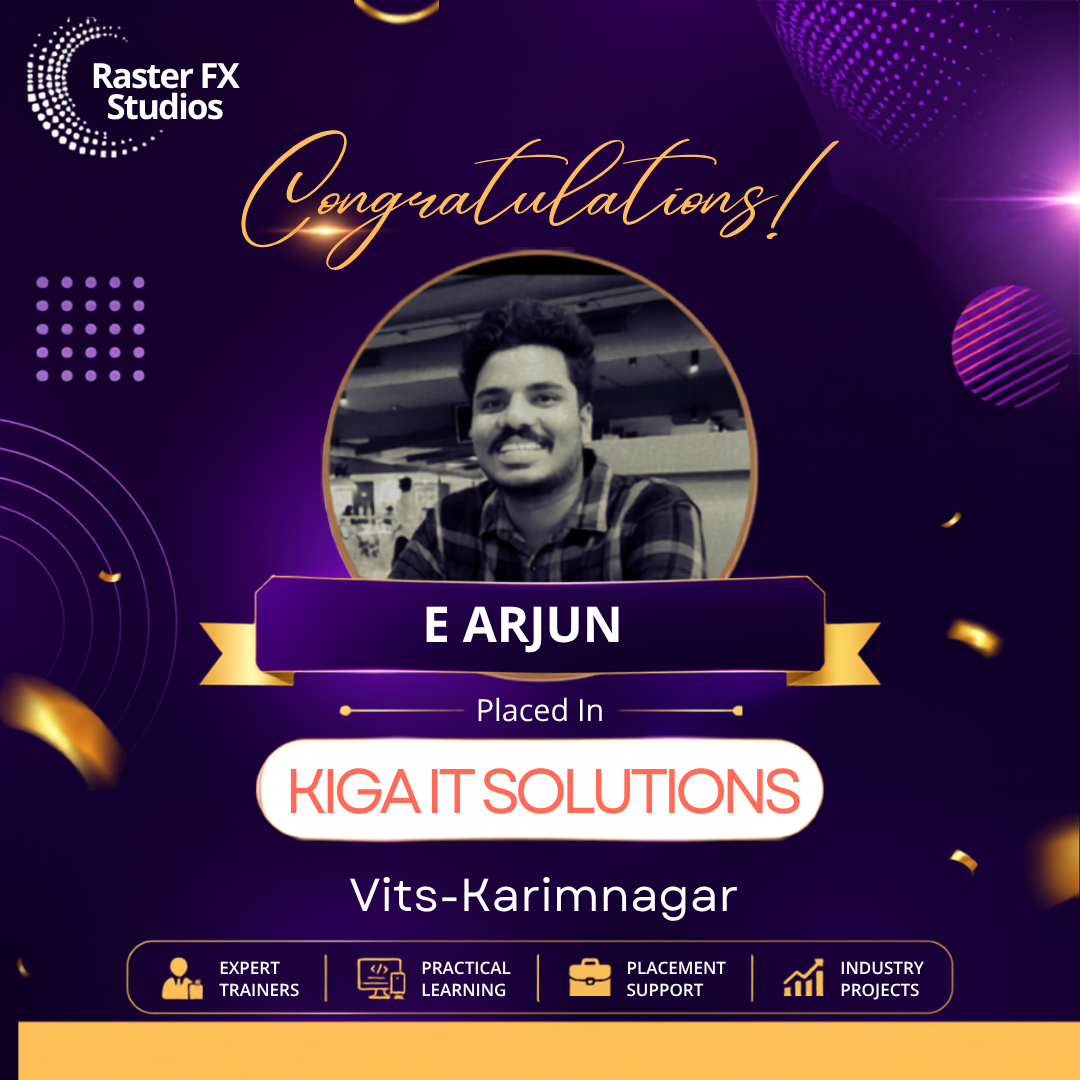
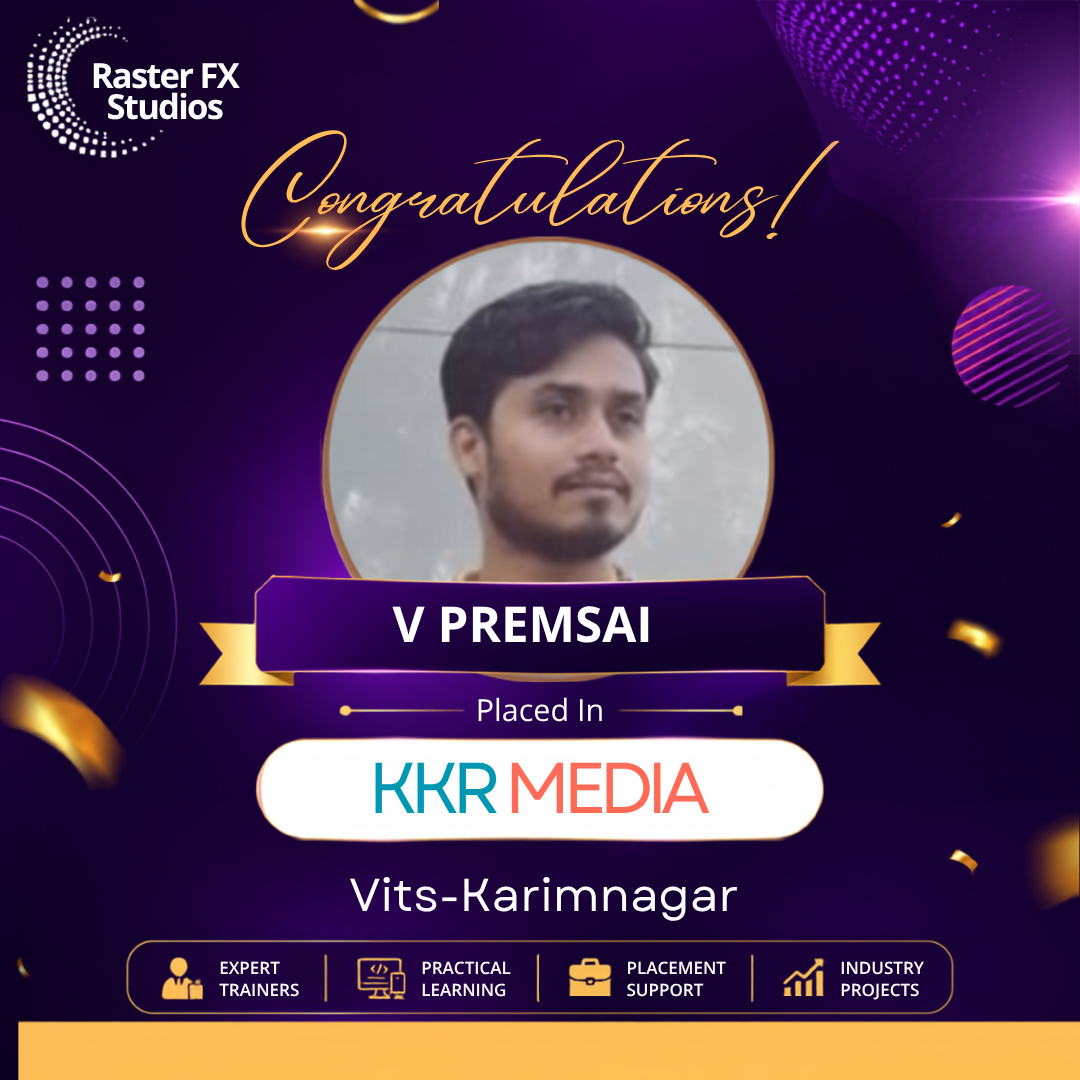
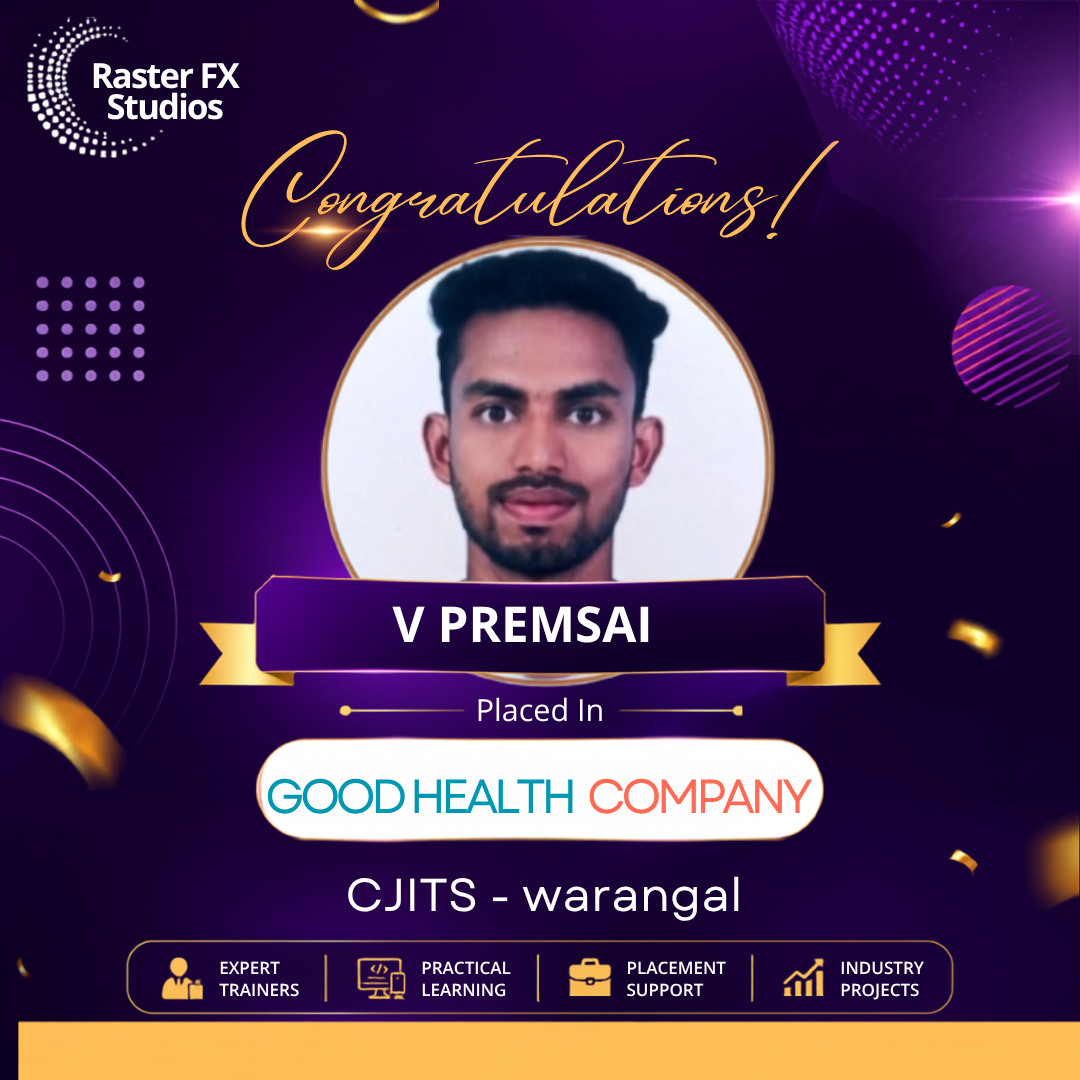
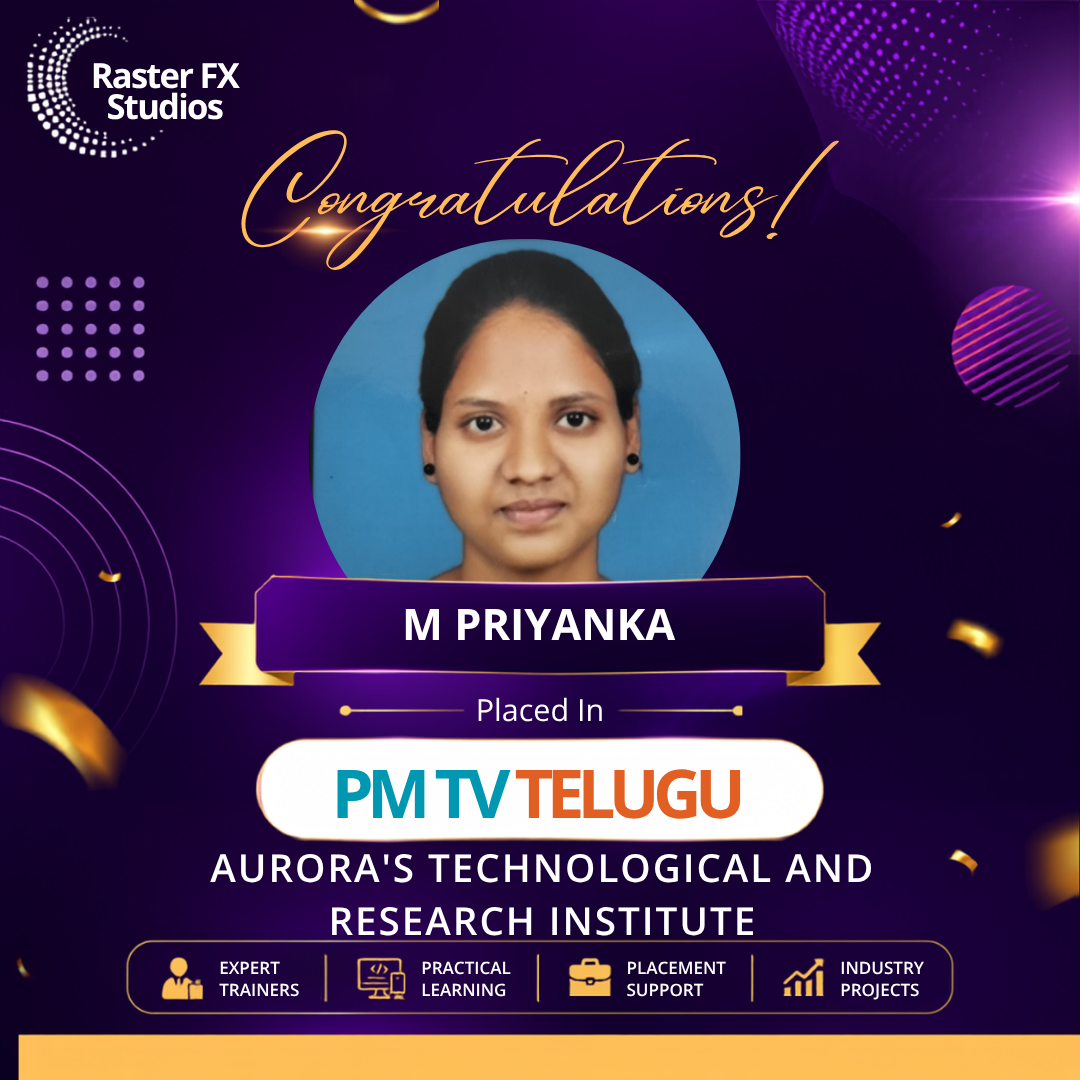

An Adobe Photoshop course is a professional training program that teaches students how to edit images, create digital artwork, design marketing materials, and enhance photographs using Adobe Photoshop. The course covers essential tools, layers, masking, retouching, compositing, color correction, and creative design techniques used in various industries.
Anyone interested in graphic design, photography, digital marketing, or visual content creation can enroll in an Adobe Photoshop course. Students who have completed 10th grade, Intermediate, Diploma, or Graduation are generally eligible. Beginners, working professionals, freelancers, and entrepreneurs can also join to improve their design skills.
The primary software taught in this course is Adobe Photoshop. Some institutes may also introduce complementary tools such as Adobe Illustrator, Adobe Lightroom, Adobe Bridge, and Canva to help students understand complete design workflows and improve productivity in creative projects.
An Adobe Photoshop course typically covers interface navigation, image editing, layers, masks, selections, photo retouching, color correction, typography, background removal, digital painting, compositing, filters, smart objects, and exporting files for print and digital platforms. Practical projects help students apply these concepts effectively.
Yes, most Adobe Photoshop courses are designed for beginners and start with fundamental concepts before introducing advanced editing techniques. Students learn through guided exercises, creative assignments, and practical projects, making it easy to understand Photoshop tools and workflows without prior experience.
Completing an Adobe Photoshop course can lead to careers such as Graphic Designer, Photo Editor, Digital Artist, Visual Designer, Social Media Designer, Marketing Creative Designer, Product Image Editor, and Freelance Photoshop Specialist. Opportunities are available in advertising agencies, media companies, e-commerce businesses, and design studios.
Freshers with Photoshop skills can expect salaries ranging from ₹2.5 lakh to ₹5 lakh per year in India. Earnings vary depending on practical expertise, portfolio quality, industry experience, and job role. Experienced designers and freelancers often have higher earning potential.
Yes, beginners can learn Adobe Photoshop within a few months through structured training and regular practice. Basic editing techniques can be mastered quickly, while advanced skills such as photo manipulation, digital painting, and compositing require additional hands-on experience and creative experimentation.
Most institutes include practical assignments such as poster design, social media creatives, photo retouching, logo mockups, brochures, banners, and marketing materials. Working on projects helps students understand professional workflows and develop a portfolio that demonstrates their design capabilities.
Yes, many training institutes provide a course completion certificate after students successfully finish training and submit projects. Certificates can enhance resumes, but employers usually give more importance to practical skills, creativity, and portfolio quality when evaluating candidates.
The fee for an Adobe Photoshop course in India generally ranges between ₹10,000 and ₹50,000. Pricing depends on course duration, faculty expertise, software access, infrastructure facilities, practical assignments, placement support, and whether the training is delivered online or offline.
Yes, many institutes offer online Adobe Photoshop courses with live interactive sessions, recorded lectures, assignments, project reviews, and mentor support. Online learning provides flexibility for students, professionals, photographers, and business owners who want to improve their design skills from home.
Several institutes provide placement assistance that includes resume preparation, portfolio reviews, interview guidance, internships, and job referrals. Placement support helps students connect with design agencies, advertising firms, e-commerce companies, and digital marketing organizations seeking Photoshop professionals.
Adobe Photoshop is mainly used for raster-based image editing, photo manipulation, and digital artwork. Adobe Illustrator focuses on vector graphics, logo creation, and scalable illustrations. Many creative professionals use both applications together to complete branding, advertising, and digital design projects.
Yes, students with a strong portfolio can work as freelance Photoshop designers, photo editors, social media creative designers, and digital artists. Freelancing enables professionals to serve clients worldwide, manage flexible schedules, and generate income through independent projects.
An Adobe Photoshop course helps learners acquire practical image editing and graphic design skills that are widely used across industries. As businesses increasingly rely on digital content, Photoshop expertise can improve career prospects and create opportunities in design, marketing, media, and photography.
Successful Photoshop designers need creativity, attention to detail, color knowledge, typography skills, communication abilities, and proficiency in editing tools. Understanding branding principles, composition, image optimization, and current design trends also contributes to professional growth.
Yes, many institutes offer weekend batches, evening classes, and online learning options specifically designed for working professionals. Flexible schedules allow learners to upgrade their design skills, improve career prospects, and balance training with existing job responsibilities.
When selecting an Adobe Photoshop course, consider factors such as curriculum quality, faculty experience, practical assignments, portfolio-building opportunities, placement support, student reviews, and software training. Comparing multiple institutes and attending demo sessions can help you choose the right course.
A portfolio showcases your creativity, technical expertise, and practical experience with Photoshop projects. Employers and clients often review portfolios before making hiring decisions because they demonstrate real-world skills and design capabilities. A strong portfolio can significantly improve job opportunities, internships, and freelance prospects.